1
4
Copy Paper
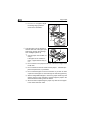
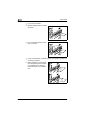
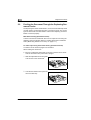
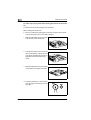
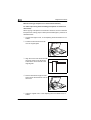
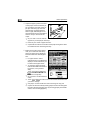
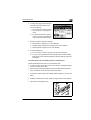
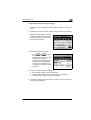
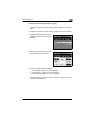
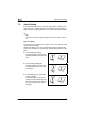
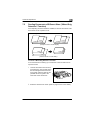
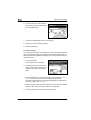
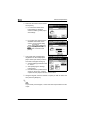
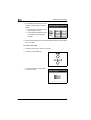
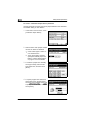
5 Slide the lateral guides against the
edges of the paper.
H
Make sure that the paper is not
curled when it is loaded.
Check that the lateral guides are
pushed up against the edges of
the paper.
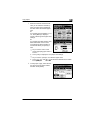
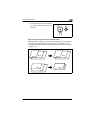
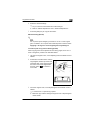
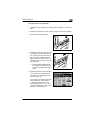
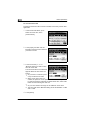
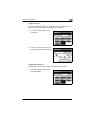
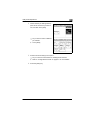
6 Close the paper drawer.
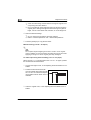
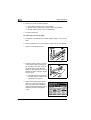
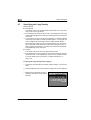
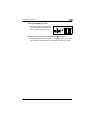
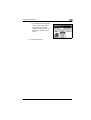
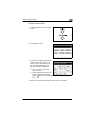
7 Turn the media type selection dial
on the drawer to the setting for the
type of paper loaded.
postcards loaded into the
? Are
1st drawer?
§
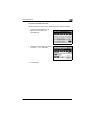
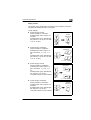
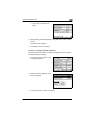
If postcards are loaded into the
1st drawer, set the paper type
dial to “Thick 1”.
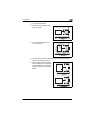
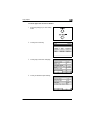
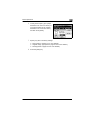
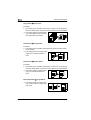
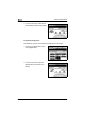
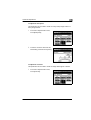
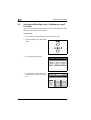
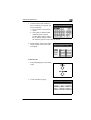
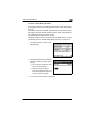
Setting the Paper Size
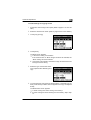
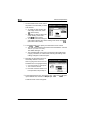
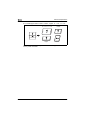
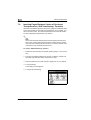
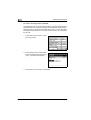
The default setting for the paper size of the 1st drawer is “Auto Detect”.
For postcards, non-standard or metric paper sizes, change the paper
size according to the procedure in the following section.
4-10
CF1501/CF2001