1
4
Copy Paper
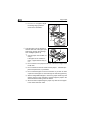
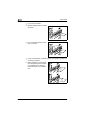
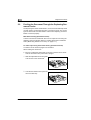
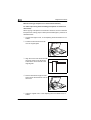
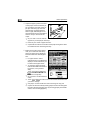
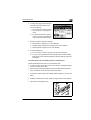
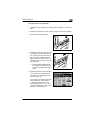
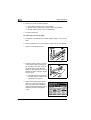
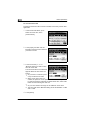
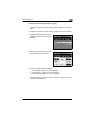
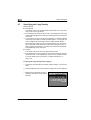
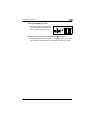
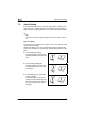
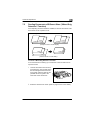
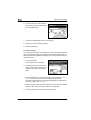
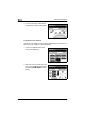
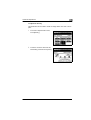
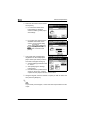
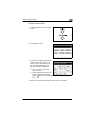
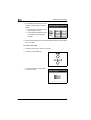
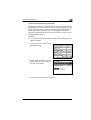
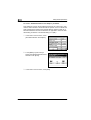
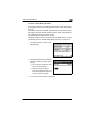
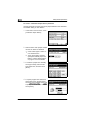
3 Load paper into the left side of the
drawer so that the front side of the
paper (the side facing up when the
package was unwrapped) faces up.
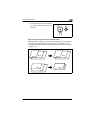
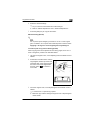
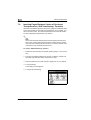
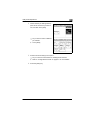
the paper been loaded cor? Has
rectly?
If the paper is not loaded correctly, a paper misfeed may occur.
§
Make sure that the paper is not curled when it is loaded.
§
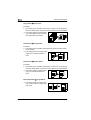
Do not load so much paper that the top of the stack is higher than
the Ämark.
§
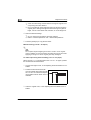
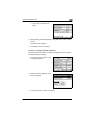
Special paper cannot be fed from the 2nd drawer or optional paper
feed units. If you wish to make copies onto special paper, feed it
through the manual bypass tray or the 1st drawer.
§
When loading additional paper, remove any paper remaining in the
drawer, place it on the new paper, and then align the paper in the
stack well before loading it into the drawer.
§
We recommend replenishing the paper only after all of the paper
in the drawer has been used.
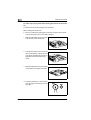
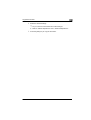
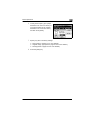
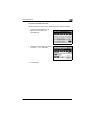
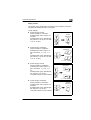
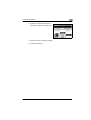
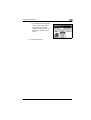
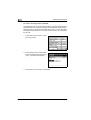
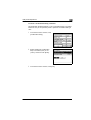
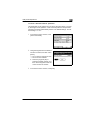
4 Close the paper drawer.
4-16
CF1501/CF2001