1
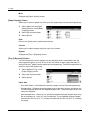
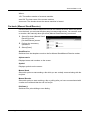
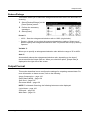
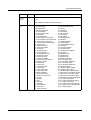
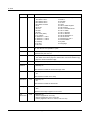
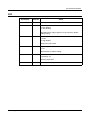
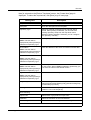
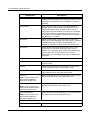
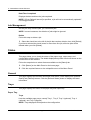
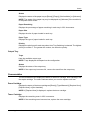
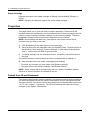
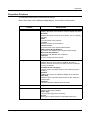
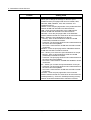
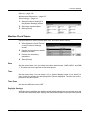
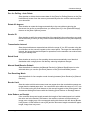
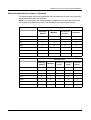
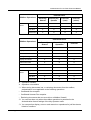
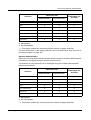
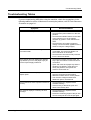
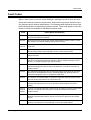
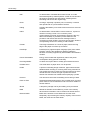
Setup Menu
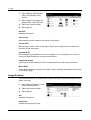
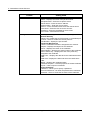
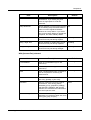
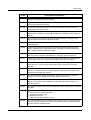
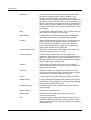
Item
Description
Default
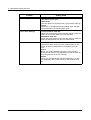
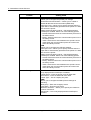
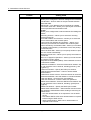
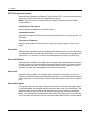
F Code
Specify whether or not to perform F Code
transmission. If you select [On], then
enter the appropriate F Code and
password.
Off
Relay Broadcast
Specify whether or not to use the machine
as an initiating relay broadcast station in
order to use the registered Address
Number as a relay station. If you select
[On], enter a Relay Station ID, Broadcast
recipients, and Print at Relay Station.
Off
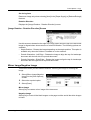
Billing - Day Time
Specify whether to enable billing of user
accounts for fax jobs during daytime.
No Billing
Billing - Night Time
Specify whether to enable billing of user
accounts for fax jobs during nighttime.
No Billing
Billing - Midnight
Specify whether to enable billing of user
accounts for fax jobs during midnight.
No Billing
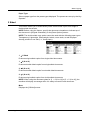
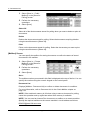
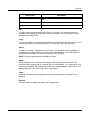
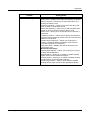
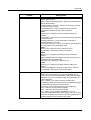
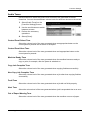
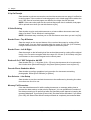
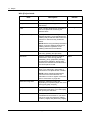
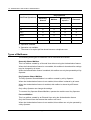
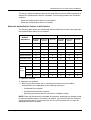
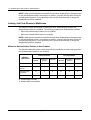
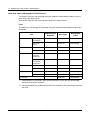
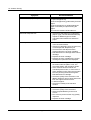
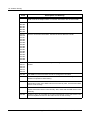
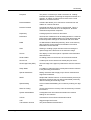
With [Internet Fax] selected:
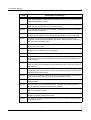
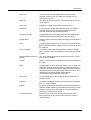
Item
Description
Default
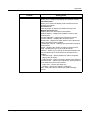
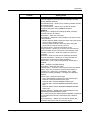
E-mail Address
Enter an e-mail address (up to 128
characters).
–
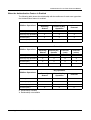
Recipient Name
Enter a recipient name (up to 18
characters).
–
Index
Enter a single alphanumeric character to
use as a keyword for searching the
Address Book.
–
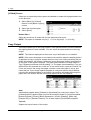
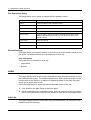
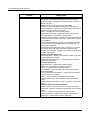
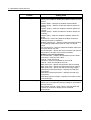
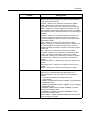
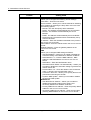
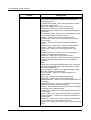
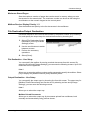
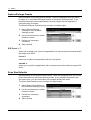
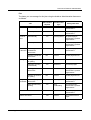
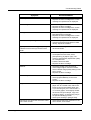
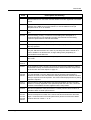
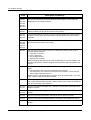
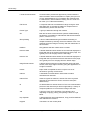
Communication Mode
Select a communication mode from either
[G3 Auto], [F4800], or [G4 Auto].
G3 Auto
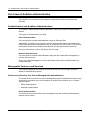
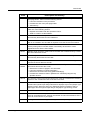
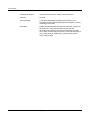
Resolution
Select a resolution level to be used for
transmission, from among [Panel],
[Standard], [Fine], [Superfine (400dpi)],
and [Superfine (600dpi)]. With [Panel]
selected, the resolution level selected on
the control panel is used.
Panel
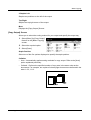
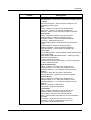
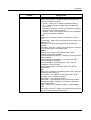
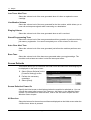
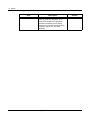
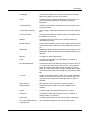
Maximum Image Size
Select the maximum image size,
depending on recipients’ paper size, from
among [A3], [B4], and [A4].
A3
Xerox CopyCentre/WorkCentre/WorkCentre Pro 123/128 User Guide
249