1
Properties
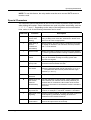
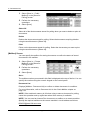
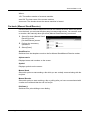
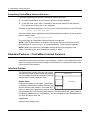
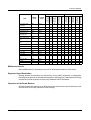
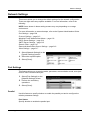
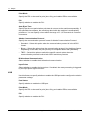
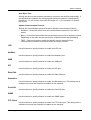
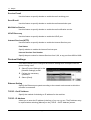
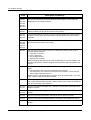
Properties Features
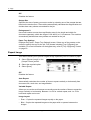
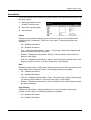
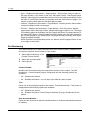
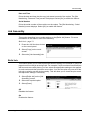
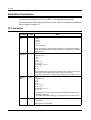
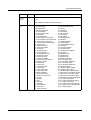
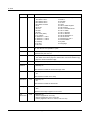
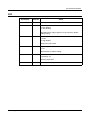
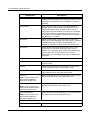
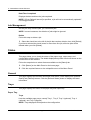
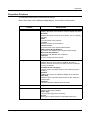
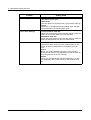
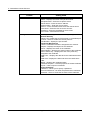
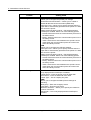
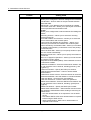
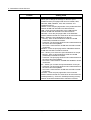
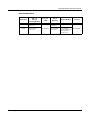
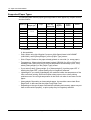
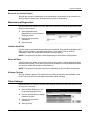
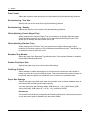
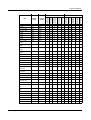
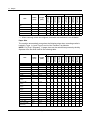
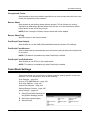
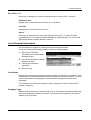
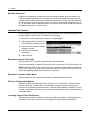
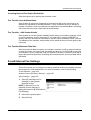
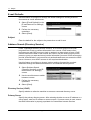
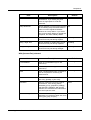
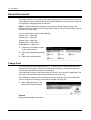
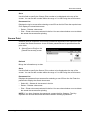
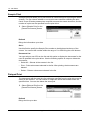
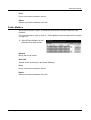
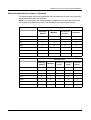
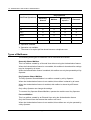
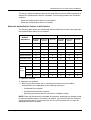
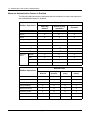
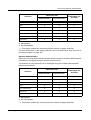
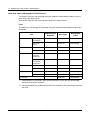
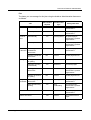
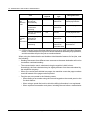
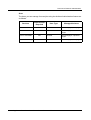
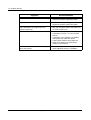
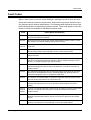
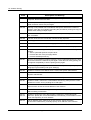
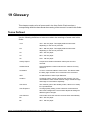
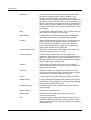
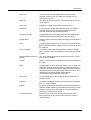
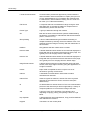
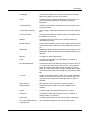
The following table lists the items that can be set.
Some items may not be displayed depending on your machine configuration.
Feature
Setting items
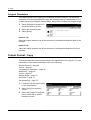
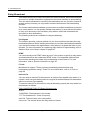
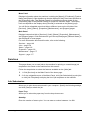
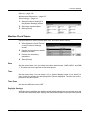
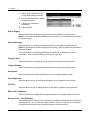
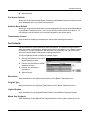
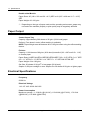
Machine Details
Product Name
Displays the name of the product. This is a display-only item.
Serial No.
Displays the serial number of the machine. This is a displayonly item.
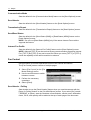
Name
Enter the name of the machine.
Location
Enter the location of the machine.
Contact Person
Enter the name of the System Administrator.
Administrator E-mail Address
Enter the e-mail address of the System Administrator.
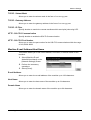
Machine E-mail Address
Enter the e-mail address of the machine.
Comment
Enter a comment on the machine.
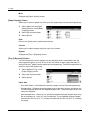
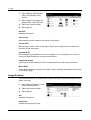
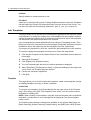
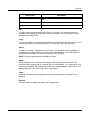
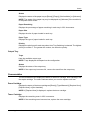
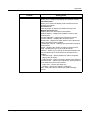
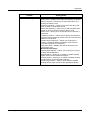
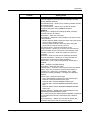
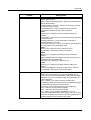
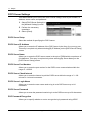
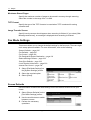
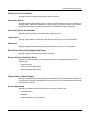
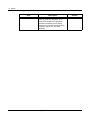
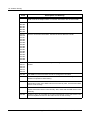
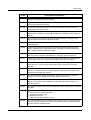
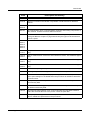
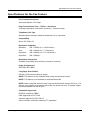
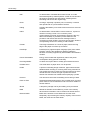
Configuration
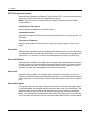
Memory
Displays the size of the memory installed, amount of
memory used for each protocol, and the size of PostScript
memory if installed.
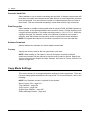
Available Printer Language
Lists the printer languages used by the machine and their
versions.
Software
Displays the version of software installed on the machine.
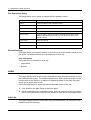
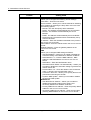
Hard Disk
Lists the names, and total and free sizes of the volumes in
the hard disk.
Hardware
Lists the hardware installed and their status.
Counters
Displays the total number of impressions and jobs.
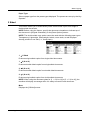
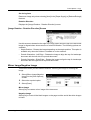
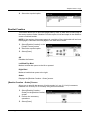
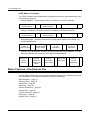
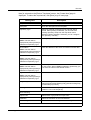
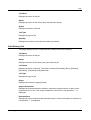
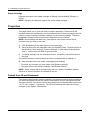
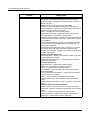
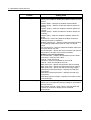
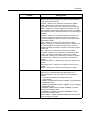
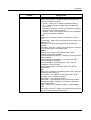
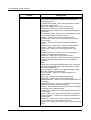
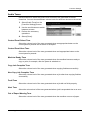
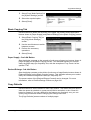
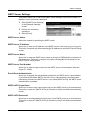
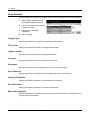
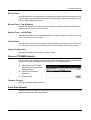
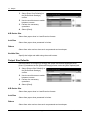
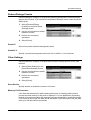
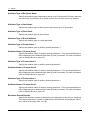
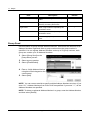
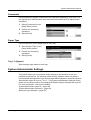
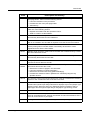
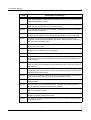
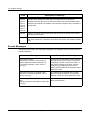
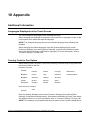
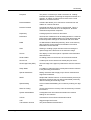
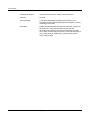
Paper Tray Attributes
Trays
Lists the paper trays installed.
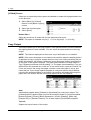
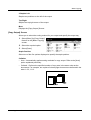
Paper Type
Lists the paper type set for each tray.
Priority
Allows you to set the priority for specified paper trays.
Xerox CopyCentre/WorkCentre/WorkCentre Pro 123/128 User Guide
159