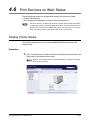
1
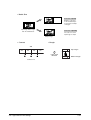
Size/Media Mapping
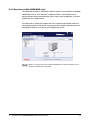
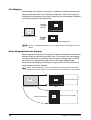
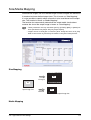
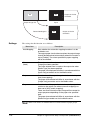
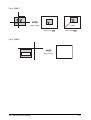
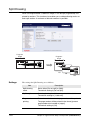
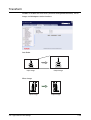
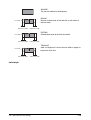
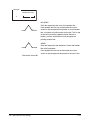
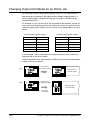
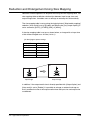
Standard size images and user-defined images can be enlarged and reduced to
fit standard and user-defined output sizes. This is known as "Size Mapping".
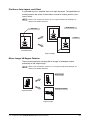
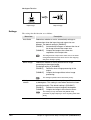
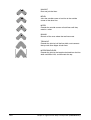
It is also possible to specify which roll media is to be used based on the output
size. This function is known as "Media Mapping".
The function that automatically determines the output media size that best
matches the size of the output image is known as "Auto Mapping".
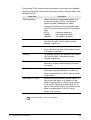
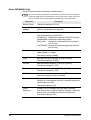
• These parameters are only valid when [AUTO], [OTHER], [MIX], or [MIX2] has
been specified for the [Paper Size] on [Output Option].
• Images will not be enlarged or reduced if [Auto Scale] has been set to [NO].
Refer to the section on [Transform] for details on the [Auto Scale] function.
Size Mapping
A1
Enlarged
A2
A3
Input image size
Reduced
Output image size
Media Mapping
4.3 Logical Printer Print Settings
117