1
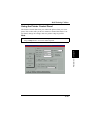
Using the Control Panel
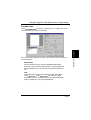
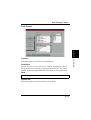
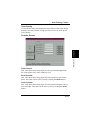
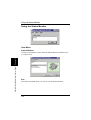
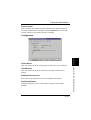
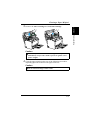
Fixed Cassette
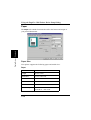
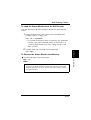
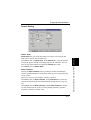
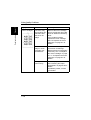
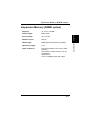
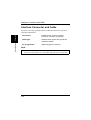
This option defines a specific paper size for Tray1. Documents can be
printed only on the paper size specified for Tray1 in the Tray1 Paper
Size box.
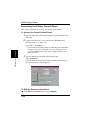
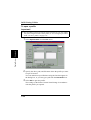
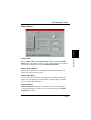
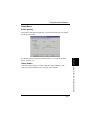
Tray1 Paper Size
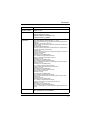
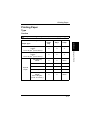
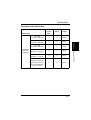
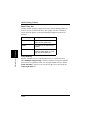
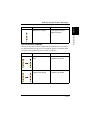
Any one of the following paper sizes can be selected for Tray1:
Chapter 5
Paper
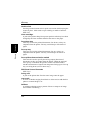
Letter
8-1/2 × 11 in.
Legal
8-1/2 × 14 in.
Executive
7-1/4 × 10-1/2 in.
A4
210 × 297 mm
A5
148 × 210 mm
JIS B5
182 × 257 mm
Custom Paper
76 to 216 mm × 127 to 356 mm, 3
to 8-1/2 in. × 5 to 14 in.
Printer Status Monitor and Control Panel
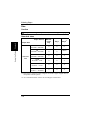
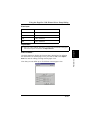
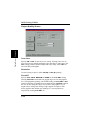
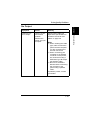
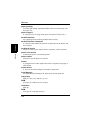
Envelope
Monarch
3-7/8 × 7-1/2 in.
Com-10
4-1/8 × 9-1/2 in.
DL
110 × 220 mm
C5
162 × 229 mm
B5
176 × 250 mm
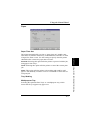
Note
◆
The settings of the software from which you are printing may override
the Tray1 Setting you specify here.
5-8