1
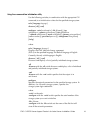
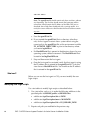
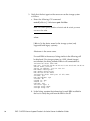
pkgadd -d INITTOOL.pkg
5. To install the software from the server support CD (any storage
system), do the following:
a. In the server’s drive, insert the server support CD, which
shipped with the storage system or the upgrade kit (for
AX-series systems upgrading to Navisphere Manager).
b. From a console window, mount the CD:
mount /mnt/cdrom
c. Install the Navisphere Storage System Initialization Utility:
/cdrom/cdrom0/solaris
pkgadd -d ./solaris/INITTOOL.pkg
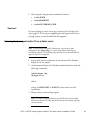
6. At the prompt to select the packages to process, enter 1 to select
INITTOOL.
7. At the prompt about scripts that execute with superuser permission
during the installation, enter y.
The screen displays information about the installation.
8. When installation is complete, exit the /cdrom directory.
For example, execute cd /.
9. If you installed the initialization utility from the CD, remove the
CD from the server’s CD drive.
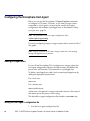
Removing the Storage System Initialization Utility on a Solaris server
1. At the Solaris server, log in as superuser (root).
2. Execute the pkgrm INITTOOL.pkg command to remove the
Storage System Initialization Utility and confirm if prompted by
entering y and y. If the initialization utility is not installed, you will
receive a Not found error message.
EMC CLARiiON Server Support Products for Solaris Server Installation Guide
11