1
Printing Color Samples (Windows 2000/XP/Server 2003 only)
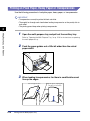
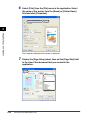
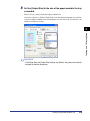
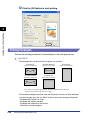
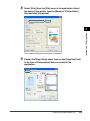
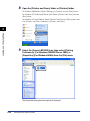
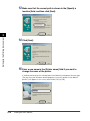
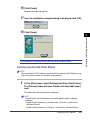
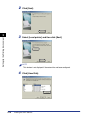
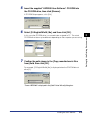
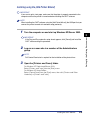
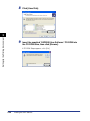
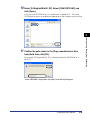
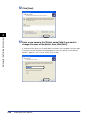
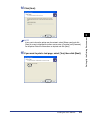
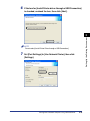
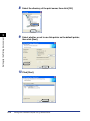
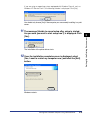
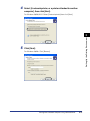
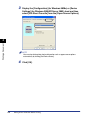
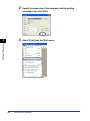
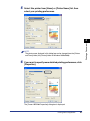
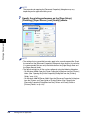
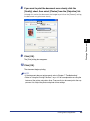
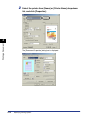
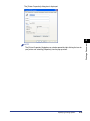
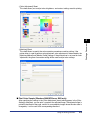
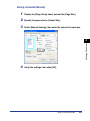
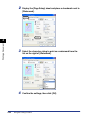
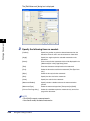
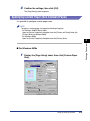
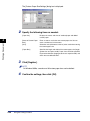
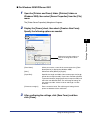
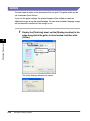
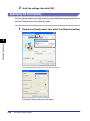
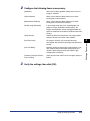
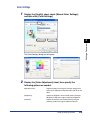
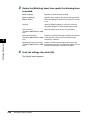
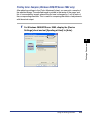
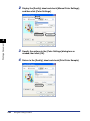
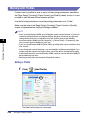
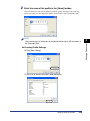
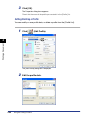
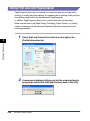
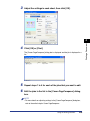
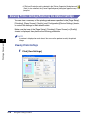
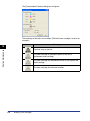
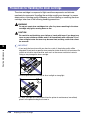
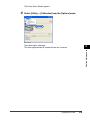
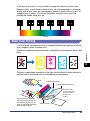
After adjusting settings in the [Color Adjustment] sheet, you can print a sample of
the adjusted image. The adjusted image is printed in the center of the page, and
this is surrounded by images where the color tone is changed by 1 unit in each of
the corresponding directions. This is useful for comparing the effects of adjustments
with the actual output.
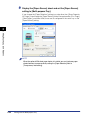
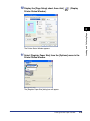
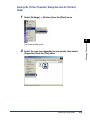
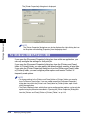
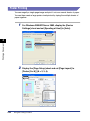
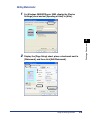
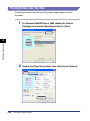
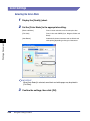
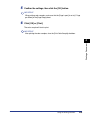
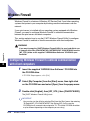
For Windows 2000/XP/Server 2003, display the [Device
Settings] sheet and set [Spooling at Host] to [Auto].
4
Printing a Document
1
Using the Printing Functions
4-61


























































![4 Fare clic su [OK]](http://vs1.manualzilla.com/store/data/006160518_1-ecbfa5800aa7e22e762bce920beb4116-150x150.png)

![4 Fare clic su [OK]](http://vs1.manualzilla.com/store/data/006160071_1-fbf99ae1aa7795515dccc53428bef16f-150x150.png)