1
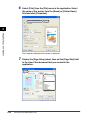
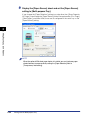
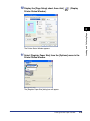
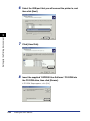
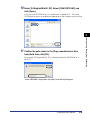
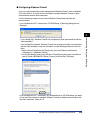
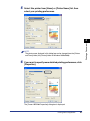
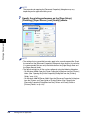
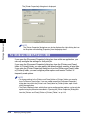
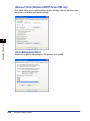
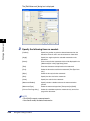
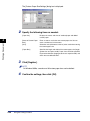
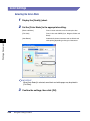
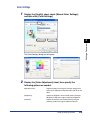
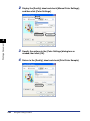
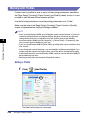
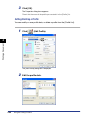
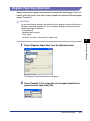
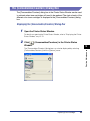
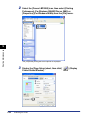
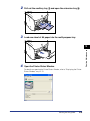
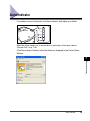
The [Layout Options] dialog box is displayed.
4
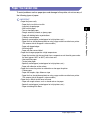
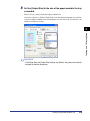
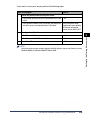
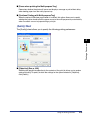
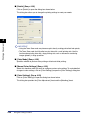
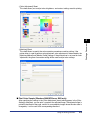
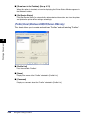
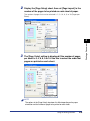
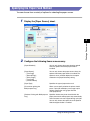
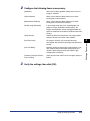
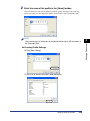
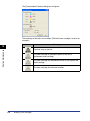
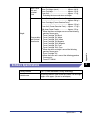
Configure the following items as necessary:
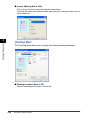
[Edging]:
Select the type of edging to print as a border.
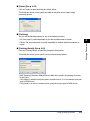
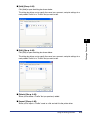
[Print Date]:
Prints the date. Choose the position to print the date from the list.
[Print User Name]:
Prints the name of the user as registered in the computer. Choose
the position to print the user name from the list.
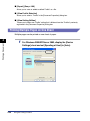
[Print Page Number]:
Prints page numbers. Choose the position to print the page numbers
from the list.
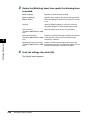
4
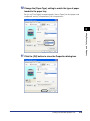
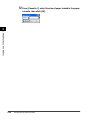
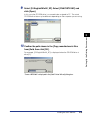
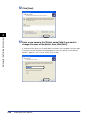
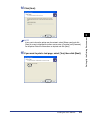
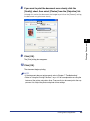
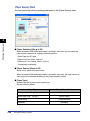
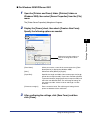
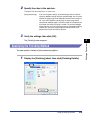
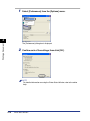
Verify the settings, then click [OK].
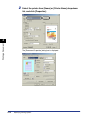
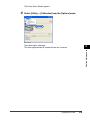
The [Page Setup] sheet reappears.
Using the Printing Functions
4-51
Printing a Document
3






















































![4 Fare clic su [OK]](http://vs1.manualzilla.com/store/data/006160518_1-ecbfa5800aa7e22e762bce920beb4116-150x150.png)

![4 Fare clic su [OK]](http://vs1.manualzilla.com/store/data/006160071_1-fbf99ae1aa7795515dccc53428bef16f-150x150.png)