1
3
Configuring the Switch
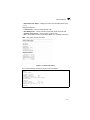
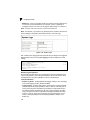
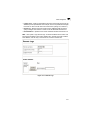
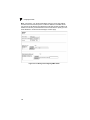
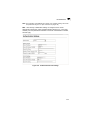
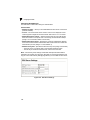
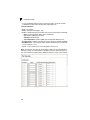
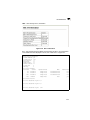
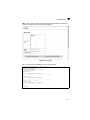
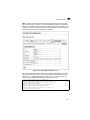
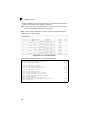
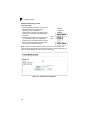
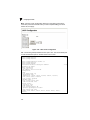
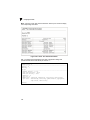
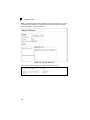
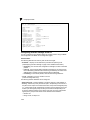
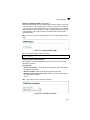
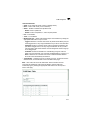
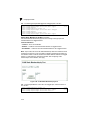
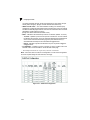
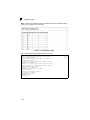
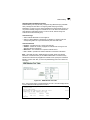
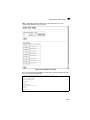
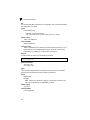
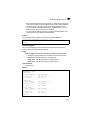
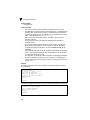
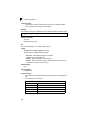
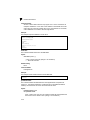
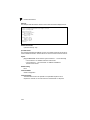
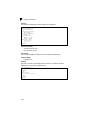
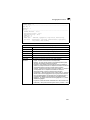
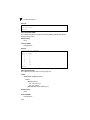
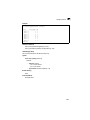
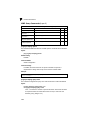
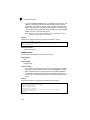
Web – Click Priority, IP DSCP Priority. Select an entry from the DSCP table, enter a
value in the Class of Service Value field, then click Apply.
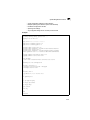
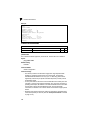
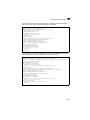
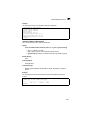
Figure 3-78. IP DSCP Priority
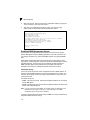
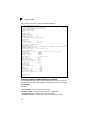
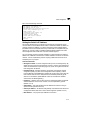
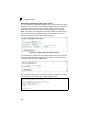
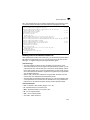
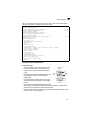
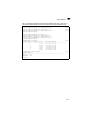
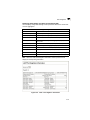
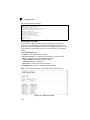
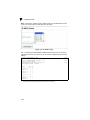
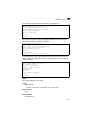
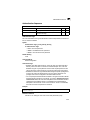
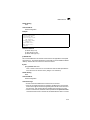
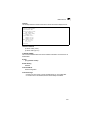
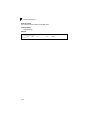
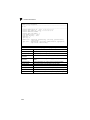
CLI – The following example globally enables DSCP Priority service on the switch,
maps DSCP value 0 to CoS value 1 (on port 1), and then displays the DSCP Priority
settings.
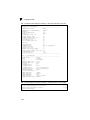
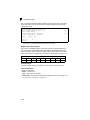
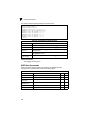
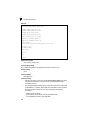
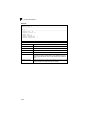
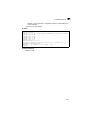
Console(config)#map ip dscp
Console(config)#interface ethernet 1/1
Console(config-if)#map ip dscp 1 cos 0
Console(config-if)#end
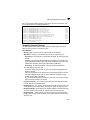
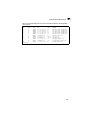
Console#show map ip dscp ethernet 1/1
DSCP mapping status: enabled
Port
DSCP COS
--------- ---- --Eth 1/ 1
0
0
Eth 1/ 1
1
0
Eth 1/ 1
2
0
Eth 1/ 1
3
0
.
.
.
Eth 1/ 1
61
0
Eth 1/ 1
62
0
Eth 1/ 1
63
0
Console#
*
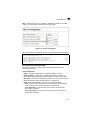
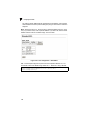
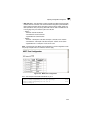
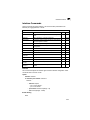
Mapping specific values for IP DSCP is implemented as an interface configuration
command, but any changes will apply to the all interfaces on the switch.
3-134
4-200
4-125
4-200
4-203