1
4
Command Line Interface
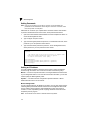
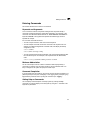
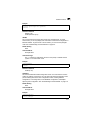
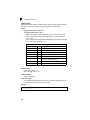
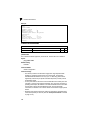
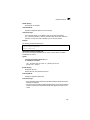
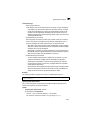
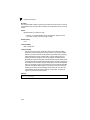
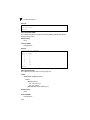
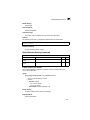
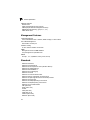
Default Setting
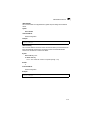
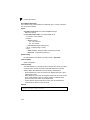
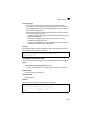
1812
Command Mode
Global Configuration
Example
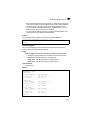
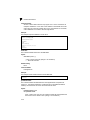
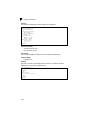
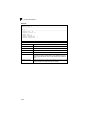
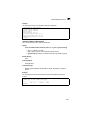
Console(config)#radius-server port 181
Console(config)#
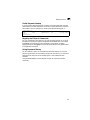
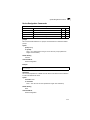
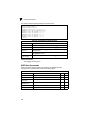
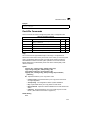
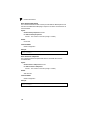
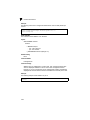
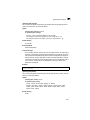
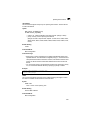
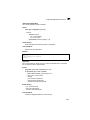
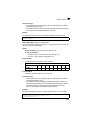
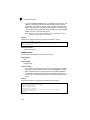
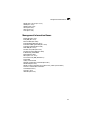
radius-server key
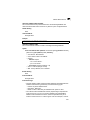
This command sets the RADIUS encryption key. Use the no form to restore the
default.
Syntax
radius-server key key_string
no radius-server key
key_string - Encryption key used to authenticate logon access for client.
Do not use blank spaces in the string. (Maximum length: 20 characters)
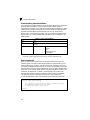
Default Setting
None
Command Mode
Global Configuration
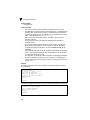
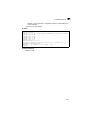
Example
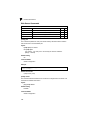
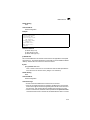
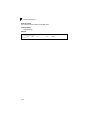
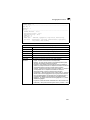
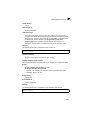
Console(config)#radius-server key green
Console(config)#
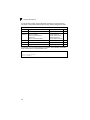
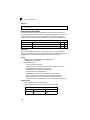
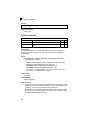
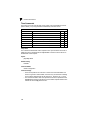
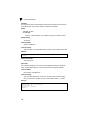
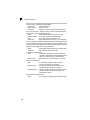
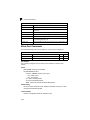
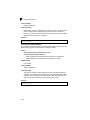
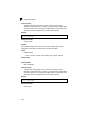
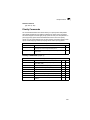
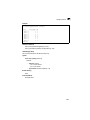
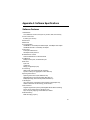
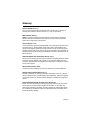
radius-server retransmit
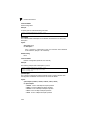
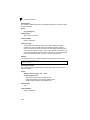
This command sets the number of retries. Use the no form to restore the default.
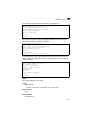
Syntax
radius-server retransmit number_of_retries
no radius-server retransmit
number_of_retries - Number of times the switch will try to authenticate
logon access via the RADIUS server. (Range: 1 - 30)
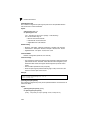
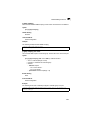
Default Setting
2
Command Mode
Global Configuration
4-72