1
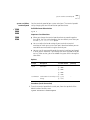
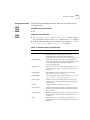
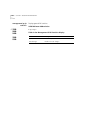
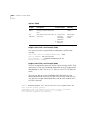
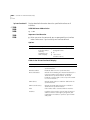
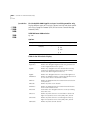
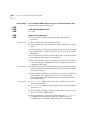
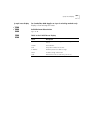
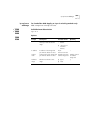
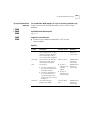
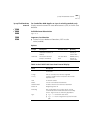
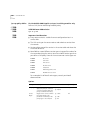
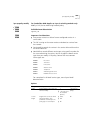
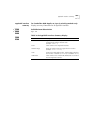
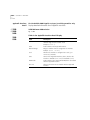
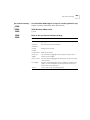
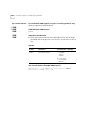
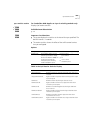
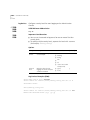
ethernet portMode
ethernet portMode
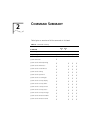
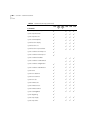
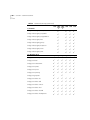
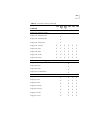
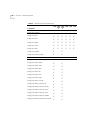
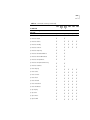
✓ 3500
✓ 9000
9400
✓ 3900
9300
213
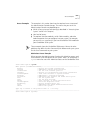
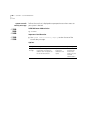
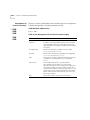
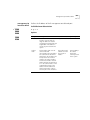
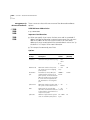
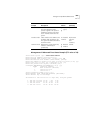
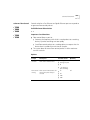
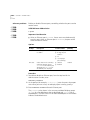
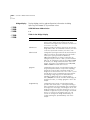
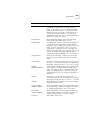
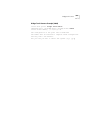
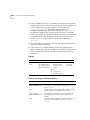
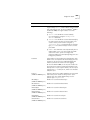
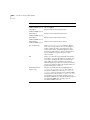
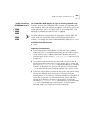
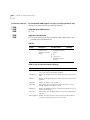
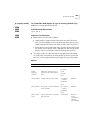
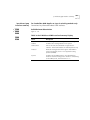
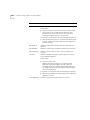
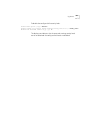
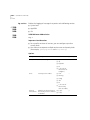
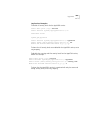
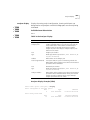
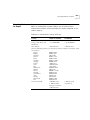
Sets the port speed (10 Mbps or 100 Mbps) and the duplex mode
(full-duplex or half-duplex) on individual ports.
Valid Minimum Abbreviation
e portm
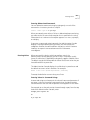
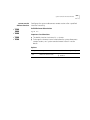
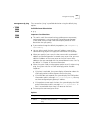
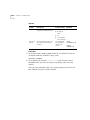
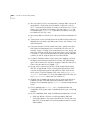
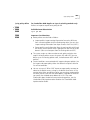
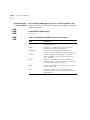
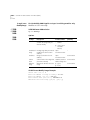
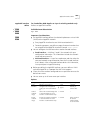
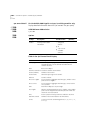
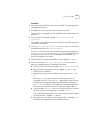
Important Considerations
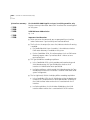
■
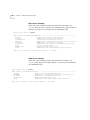
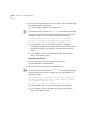
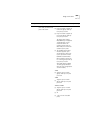
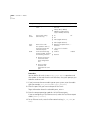
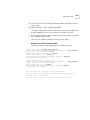
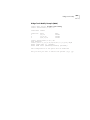
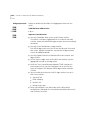
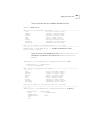
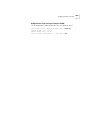
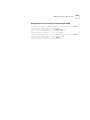
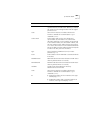
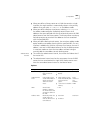
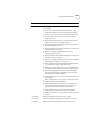
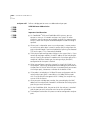
You can use this command to configure the same setting on multiple
ports simultaneously. When you specify multiple port numbers, the
system prompts you to choose the setting and then applies it to all of
the ports.
■
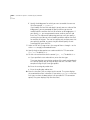
The device that is connected to each port must be configured for the
same port mode. If the port speeds differ, the link does not come up.
If the duplex modes differ, link errors occur.
■
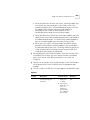
Gigabit Ethernet ports do not support mode options. The value all
refers only to ports that support port mode options.
■
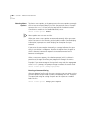
If you change to full-duplex mode on the port, a message indicates
that collision detection will be disabled unless you configure the
connected device to the same duplex mode.
■
Disable autonegotiation on any port on which you are setting a
specific port mode.
■
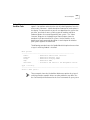
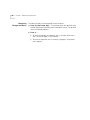
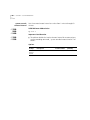
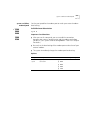
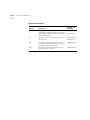
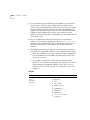
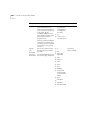
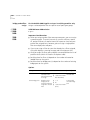
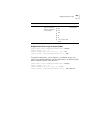
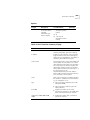
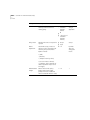
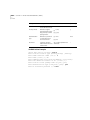
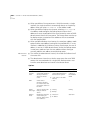
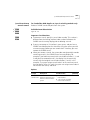
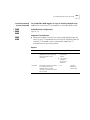
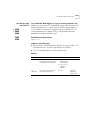
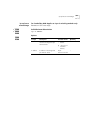
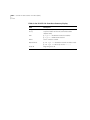
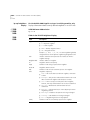
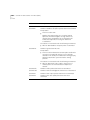
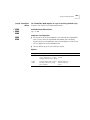
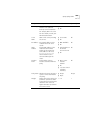
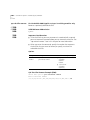
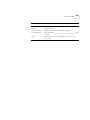
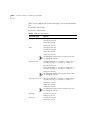
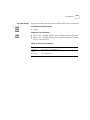
10/100BASE-TX supports the following modes and speeds:
■
■
10 Mbps, full-duplex mode
■
10 Mbps, half-duplex mode
■
100 Mbps, full-duplex mode
■
100 Mbps, half-duplex mode
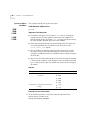
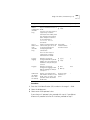
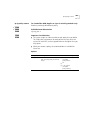
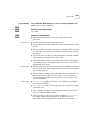
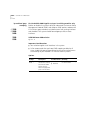
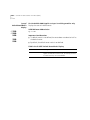
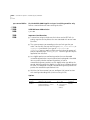
100BASE-FX supports the following modes and speeds:
■
100 Mbps, full-duplex mode
■
100 Mbps, half-duplex mode