1
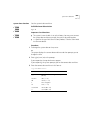
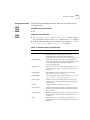
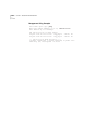
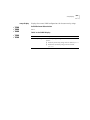
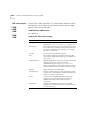
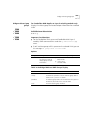
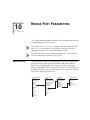
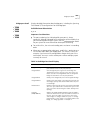
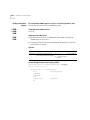
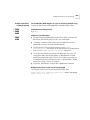
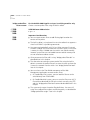
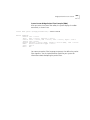
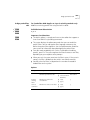
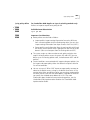
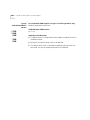
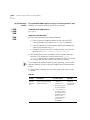
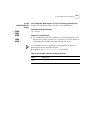
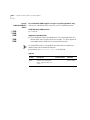
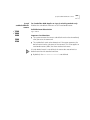
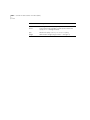
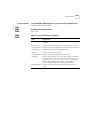
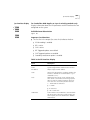
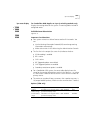
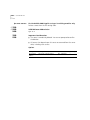
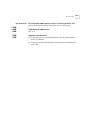
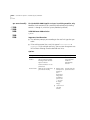
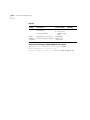
bridge link define
331
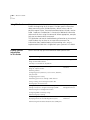
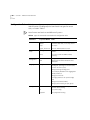
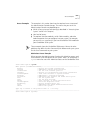
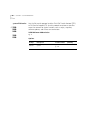
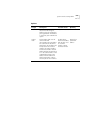
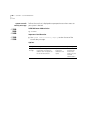
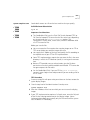
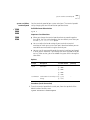
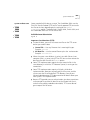
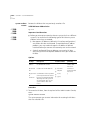
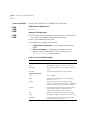
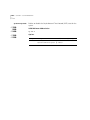
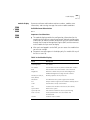
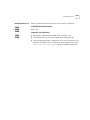
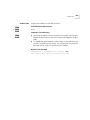
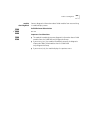
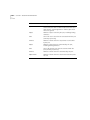
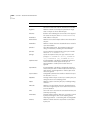
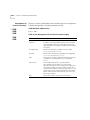
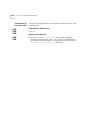
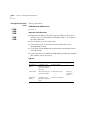
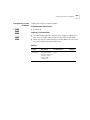
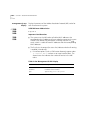
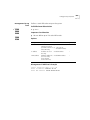
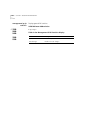
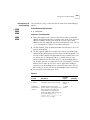
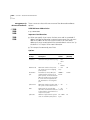
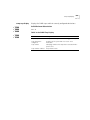
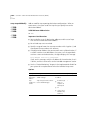
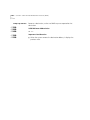
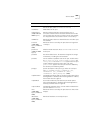
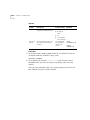
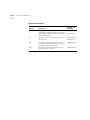
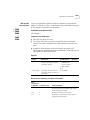
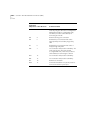
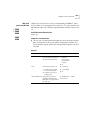
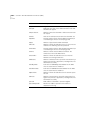
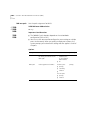
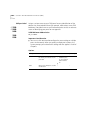
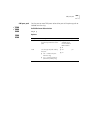
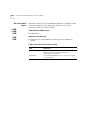
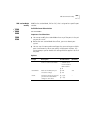
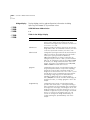
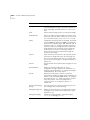
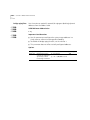
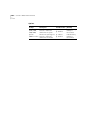
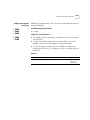
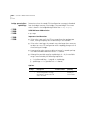
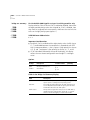
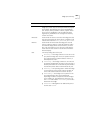
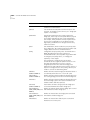
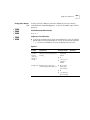
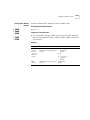
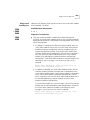
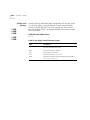
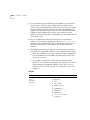
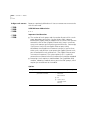
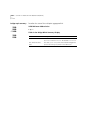
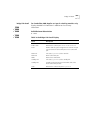
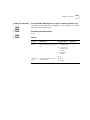
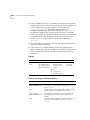
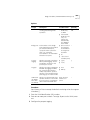
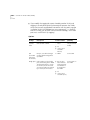
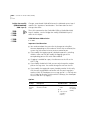
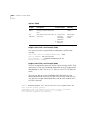
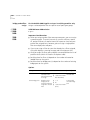
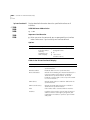
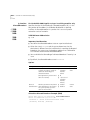
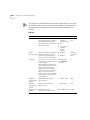
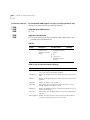
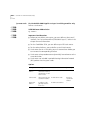
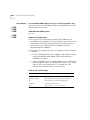
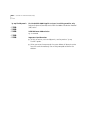
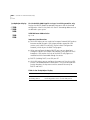
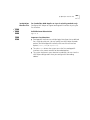
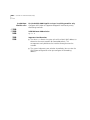
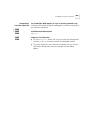
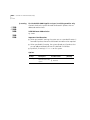
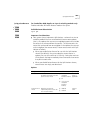
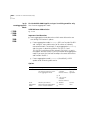
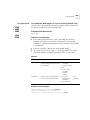
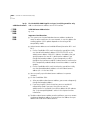
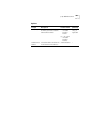
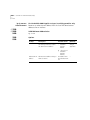
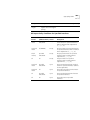
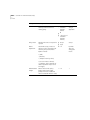
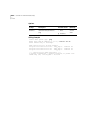
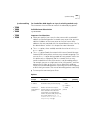
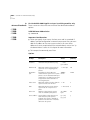
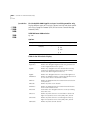
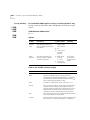
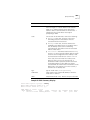
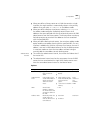
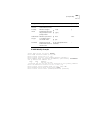
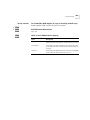
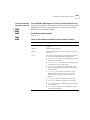
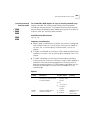
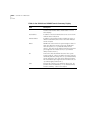
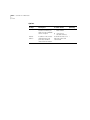
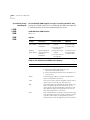
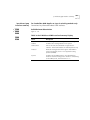
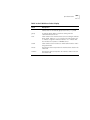
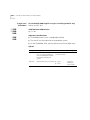
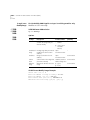
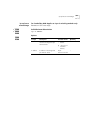
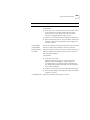
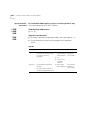
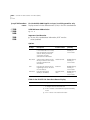
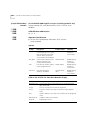
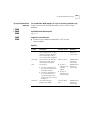
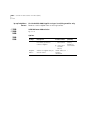
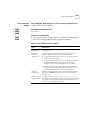
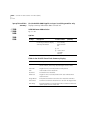
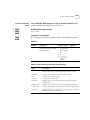
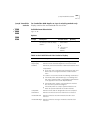
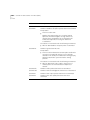
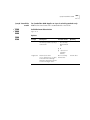
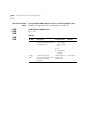
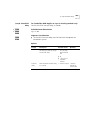
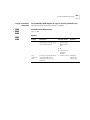
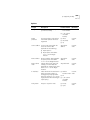
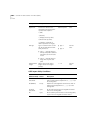
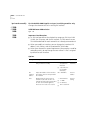
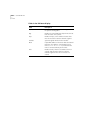
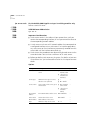
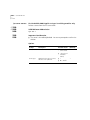
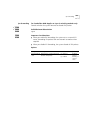
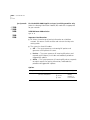
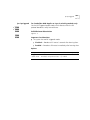
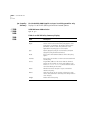
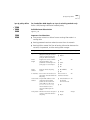
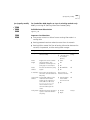
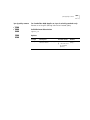
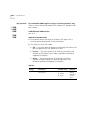
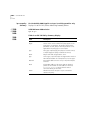
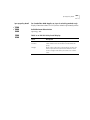
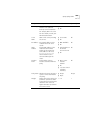
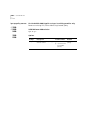
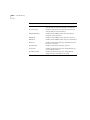
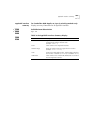
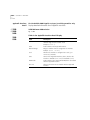
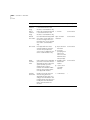
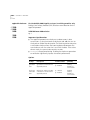
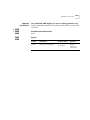
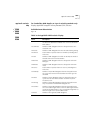
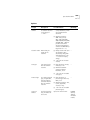
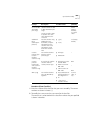
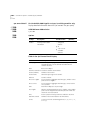
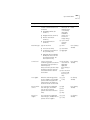
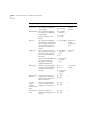
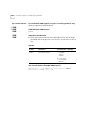
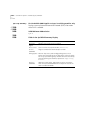
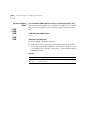
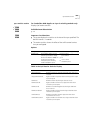
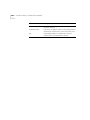
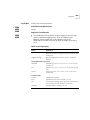
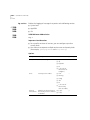
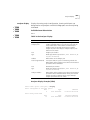
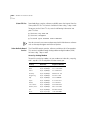
Options
Prompt
Description
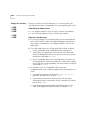
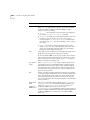
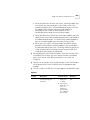
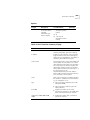
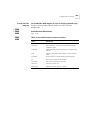
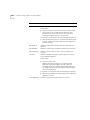
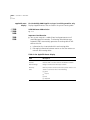
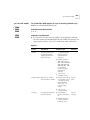
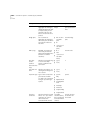
Resilient link Name of the link. Use
name
quotation marks around any
character string that contains
spaces
Possible Values
[Default]
Maximum 32
–
alphanumeric characters
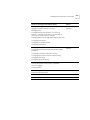
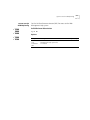
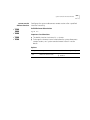
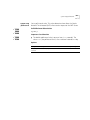
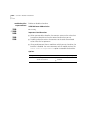
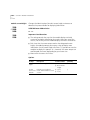
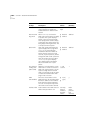
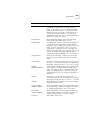
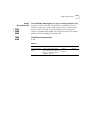
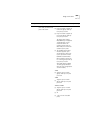
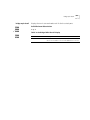
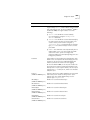
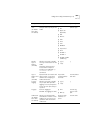
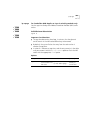
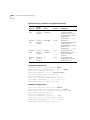
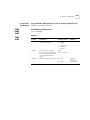
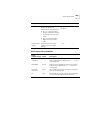
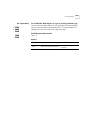
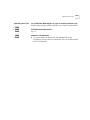
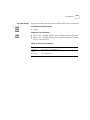
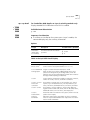
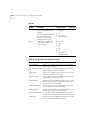
Main Port
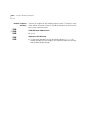
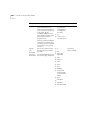
Main port that you want to be Any of the available
part of the link.
ports on the system
–
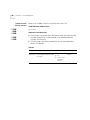
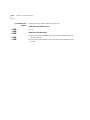
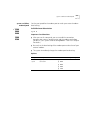
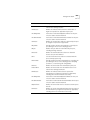
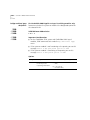
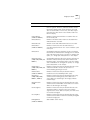
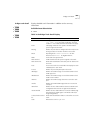
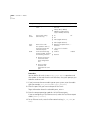
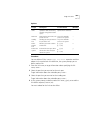
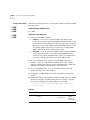
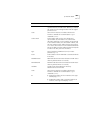
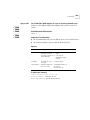
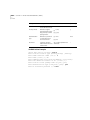
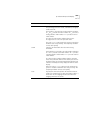
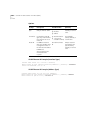
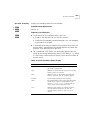
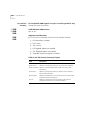
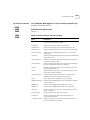
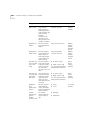
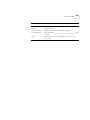
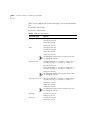
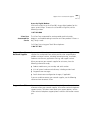
Standby
Port
Standby port that you want to Any of the available
be part of the link.
ports on the system
–
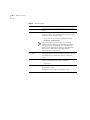
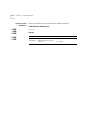
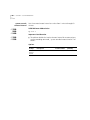
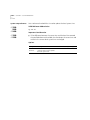
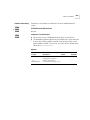
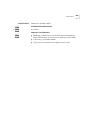
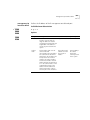
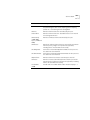
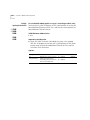
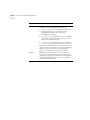
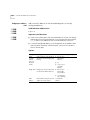
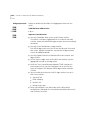
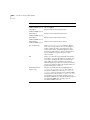
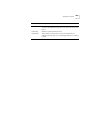
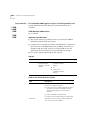
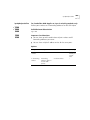
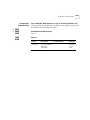
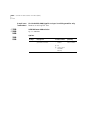
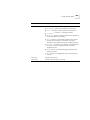
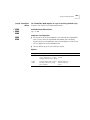
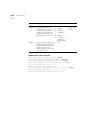
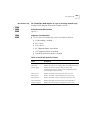
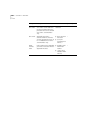
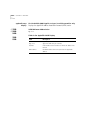
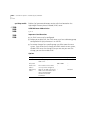
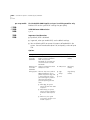
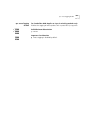
Define
another
link?
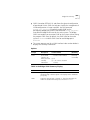
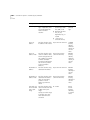
Whether you want to define
another link.
n
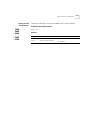
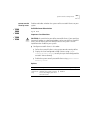
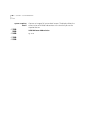
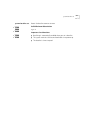
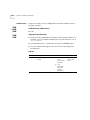
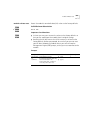
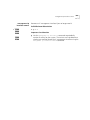
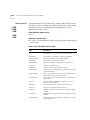
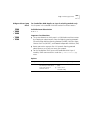
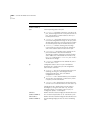
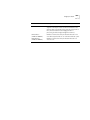
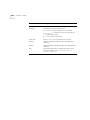
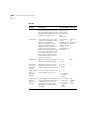
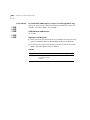
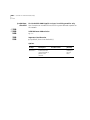
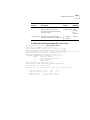
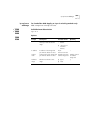
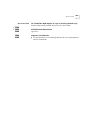
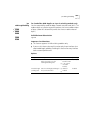
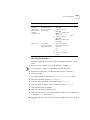
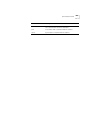
Reboot the
system?
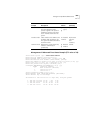
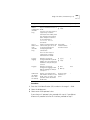
Resilient links that you define
do not take effect until you
reboot the system.
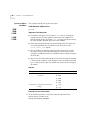
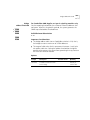
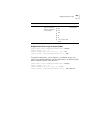
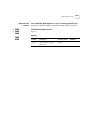
■
y (yes)
■
n (no)
■
y (yes)
■
n (no)
y
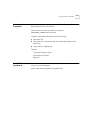
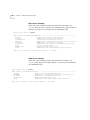
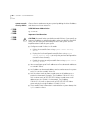
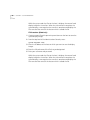
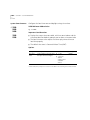
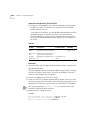
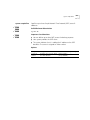
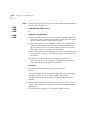
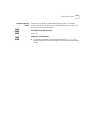
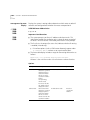
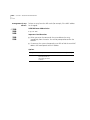
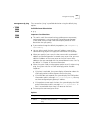
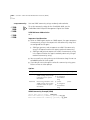
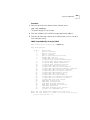
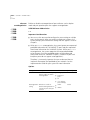
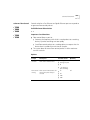
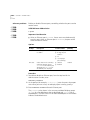
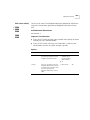
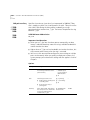
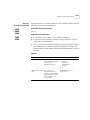
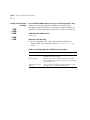
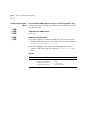
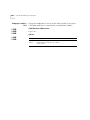
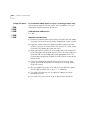
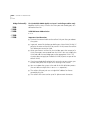
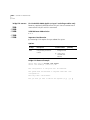
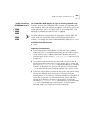
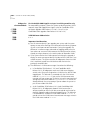
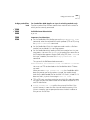
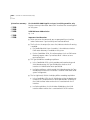
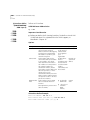
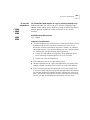
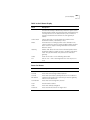
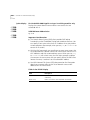
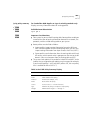
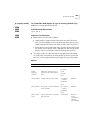
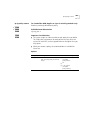
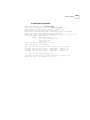
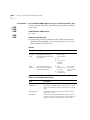
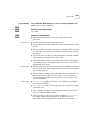
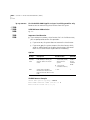
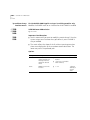
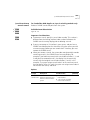
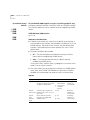
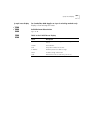
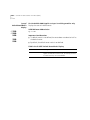
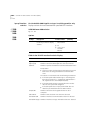
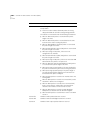
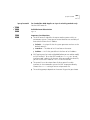
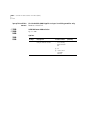
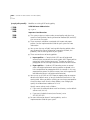
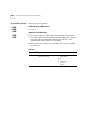
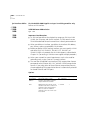
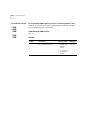
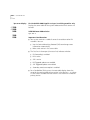
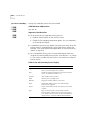
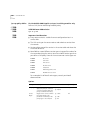
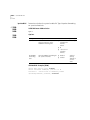
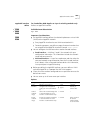
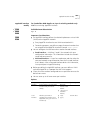
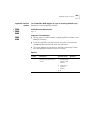
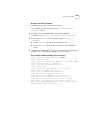
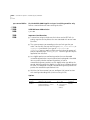
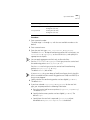
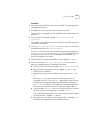
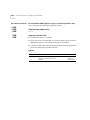
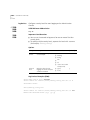
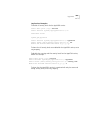
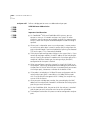
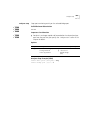
Procedure
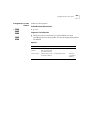
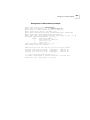
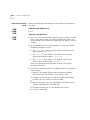
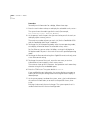
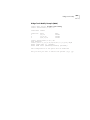
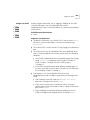
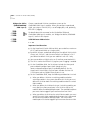
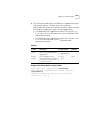
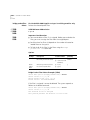
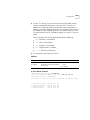
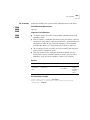
You can define all links in one bridge link define operation and then
reboot. At the end of each link definition, the system prompts you to
define another link.
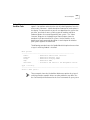
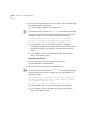
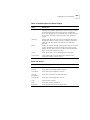
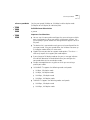
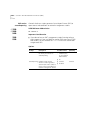
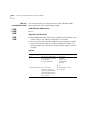
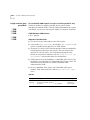
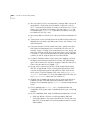
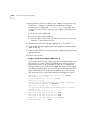
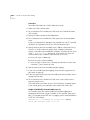
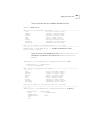
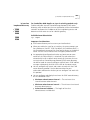
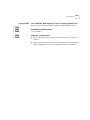
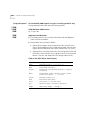
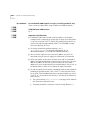
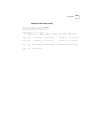
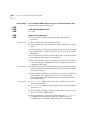
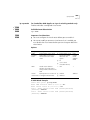
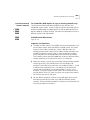
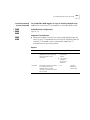
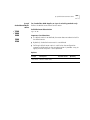
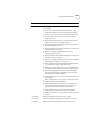
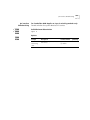
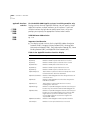
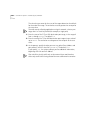
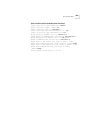
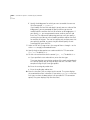
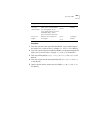
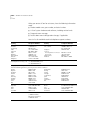
1 Enter the link name, or to get information about specifying the link
name, enter ?
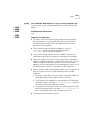
2 Select the port that you want to be the main port.
To get information about the selectable ports, enter ?
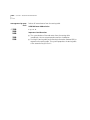
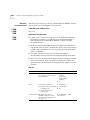
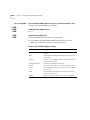
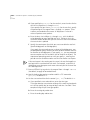
3 Select the port that you want to be the standby port.
To get information about the selectable ports, enter ?
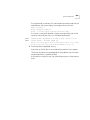
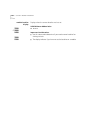
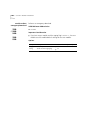
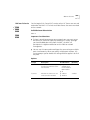
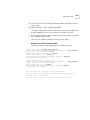
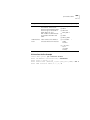
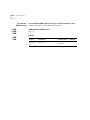
4 At the system prompt, to define another link enter y (yes), or to end the
link define sequence, enter n (no).
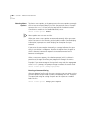
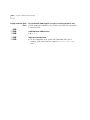
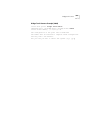
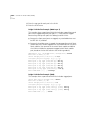
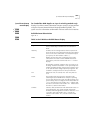
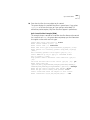
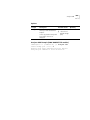
You must reboot for the links to take effect.