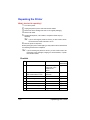
1
Using Media Other Than Plain Paper
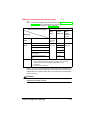
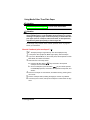
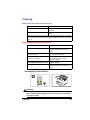
Attention
For information about media recommended for your printer, go to
www.minolta-qms.com/support, then click on the Answer Base.
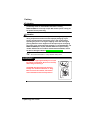
Attention
Although your printer was designed for occasional printing on a wide
range of media types, it is not intended to print exclusively on a single
media type except plain paper. Continuous printing on media other than
plain paper (such as envelopes, labels, thick stock, or transparencies)
may adversely affect print quality or reduce engine life.
Set the single user job mode versus network job mode shown on page 34
before you load media.
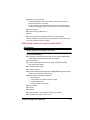
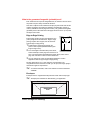
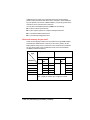
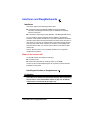
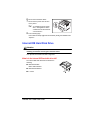
How do I load and print envelopes?
5"
1
2
3
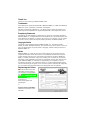
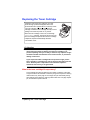
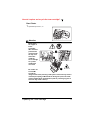
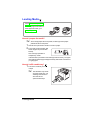
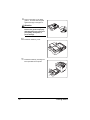
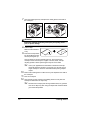
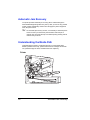
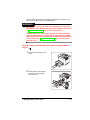
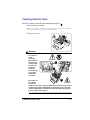
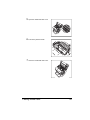
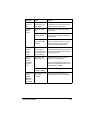
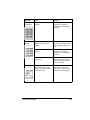
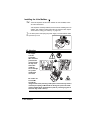
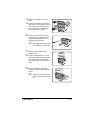
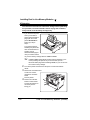
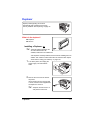
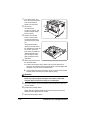
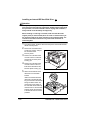
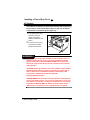
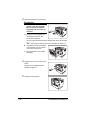
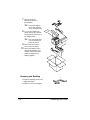
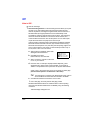
Envelope printing is supported only from the multipurpose tray.
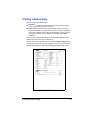
In the printer driver (Paper tab, Media Type option), select Envelope.
If you are in Network Mode, on the control panel, select Operator Control/
MPT Media, and select Thick Stock.
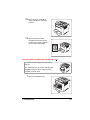
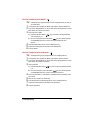
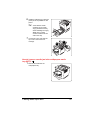
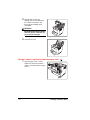
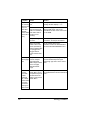
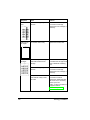
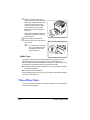
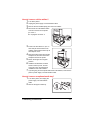
Select the size of envelope, either
a Press the MP Size Select
key and scroll to the required
envelope size and select it, or
b On the control panel, press the Menu
key and select Operator
Control/Multipurpose Sz, and scroll to the required envelope size, and
select it.
4
5
6
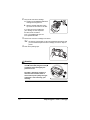
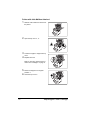
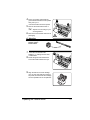
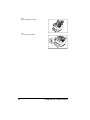
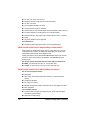
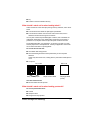
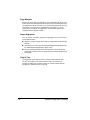
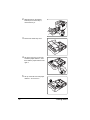
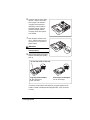
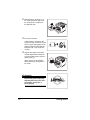
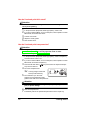
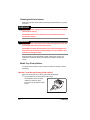
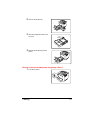
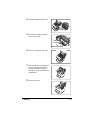
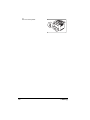
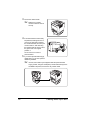
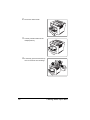
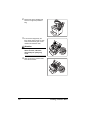
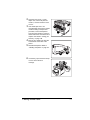
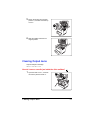
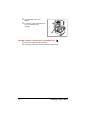
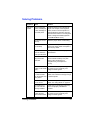
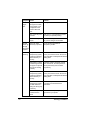
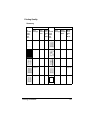
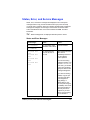
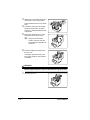
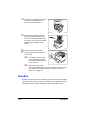
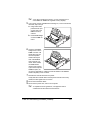
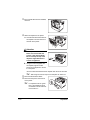
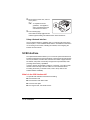
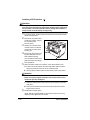
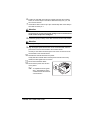
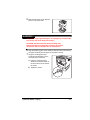
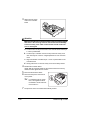
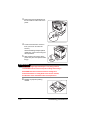
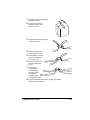
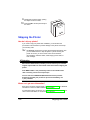
Place the envelopes on a flat surface, and flatten them by pressing down
the corners.
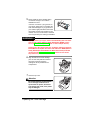
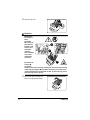
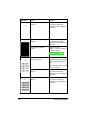
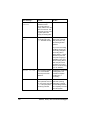
Flex the envelope stack (including the edges) to remove any stiffness.
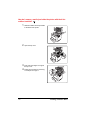
Correct any bent corners, and tap the envelopes on a flat surface to align
them.
Loading Media
41