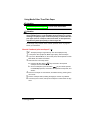
1
3
4
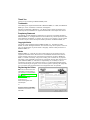
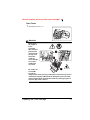
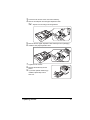
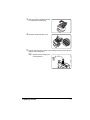
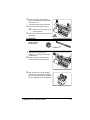
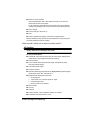
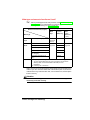
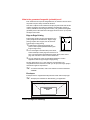
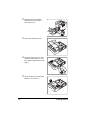
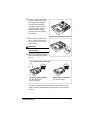
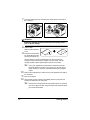
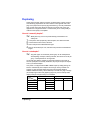
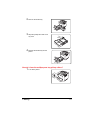
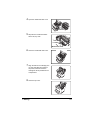
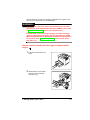
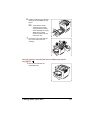
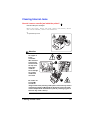
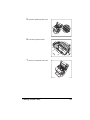
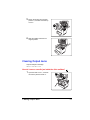
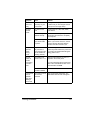
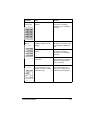
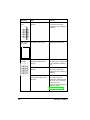
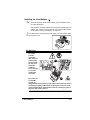
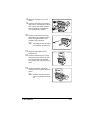
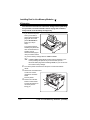
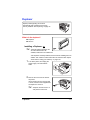
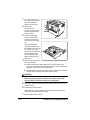
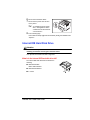
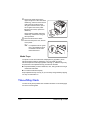
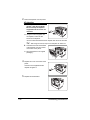
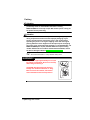
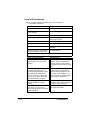
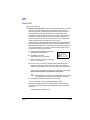
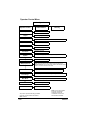
Pull out the misfed media.
5"
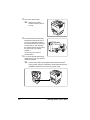
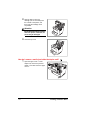
Make sure no media
remains under the roller in
the tray.
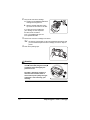
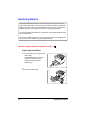
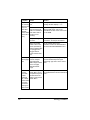
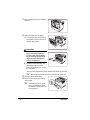
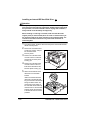
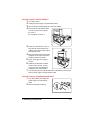
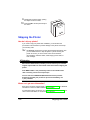
If the misfed media cannot easily
be pulled out, lift the green lever c#
on the inner-right side to release
the media feed roller, and then pull
out the media d. After removing
the misfed media, be sure to return
the green lever to its original
position e.
1
2
3
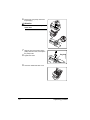
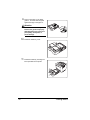
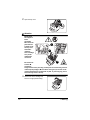
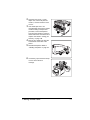
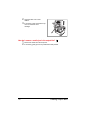
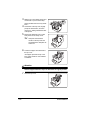
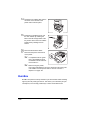
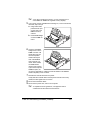
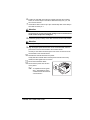
Do not use force to remove
jammed media.
5
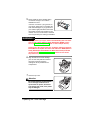
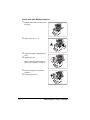
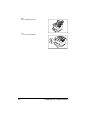
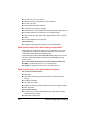
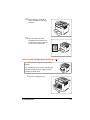
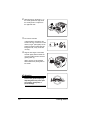
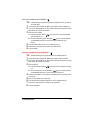
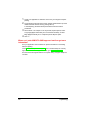
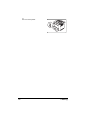
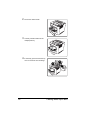
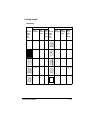
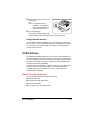
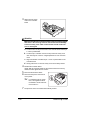
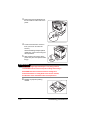
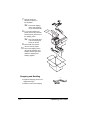
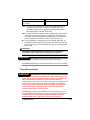
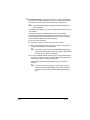
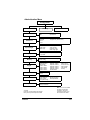
If you have optional media tray(s),
repeat steps 1–4 for each optional
media tray installed.
5"
64
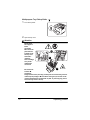
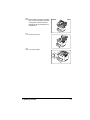
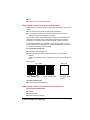
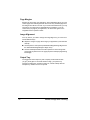
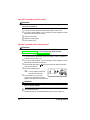
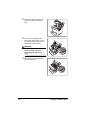
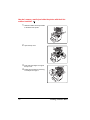
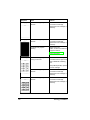
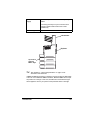
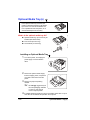
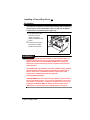
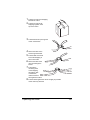
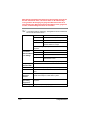
At times, the media may be stopped inside the optional media
tray(s) (in back, along the media path). Check inside the trays from
the front of the printer, and remove any misfed media.
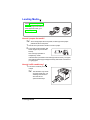
Clearing Media Input Jams