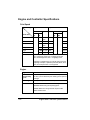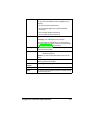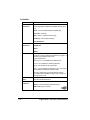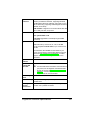
1
3
4
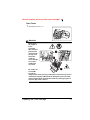
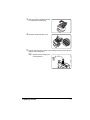
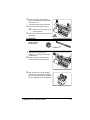
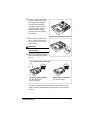
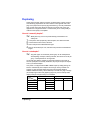
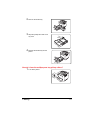
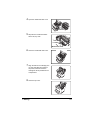
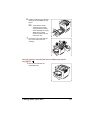
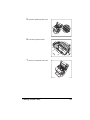
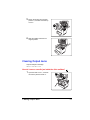
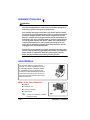
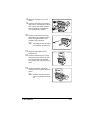
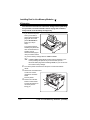
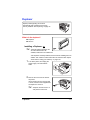
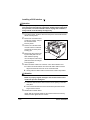
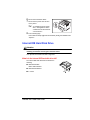
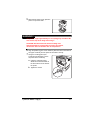
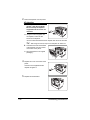
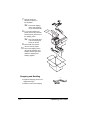
If the exhaust filter has been installed,
remove it
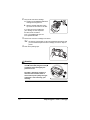
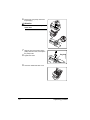
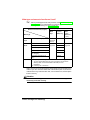
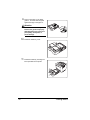
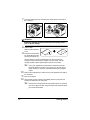
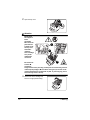
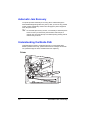
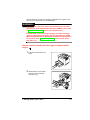
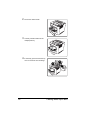
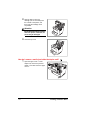
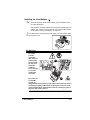
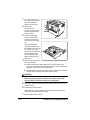
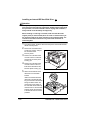
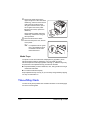
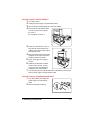
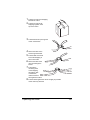
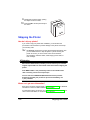
Attach the duplexer to the printer.
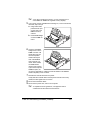
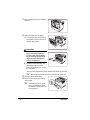
a Hook the two tabs at the bottom of
the duplexer onto the notches on
the back of the printer.
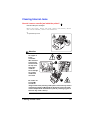
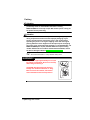
Attention
If the duplexer is released
before it is secured with the
screws, it may fall and break.
Be sure to keep the top of the
duplexer supported until the
screws are tightened.
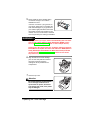
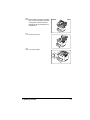
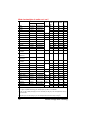
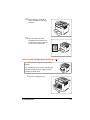
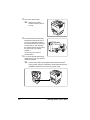
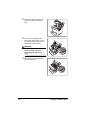
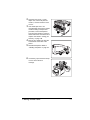
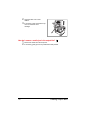
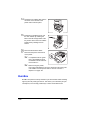
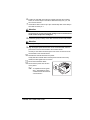
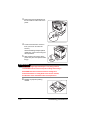
b Using the wrench supplied with
the duplexer, tighten the two
screws on the duplexer to secure
it to the printer.
The two screws are attached to the duplexer and cannot be removed.
3
4
5"
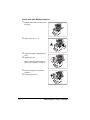
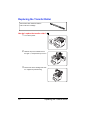
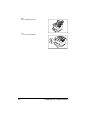
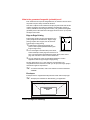
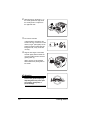
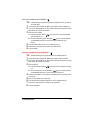
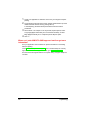
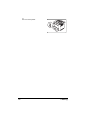
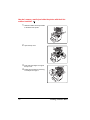
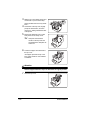
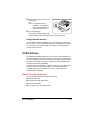
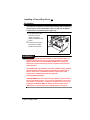
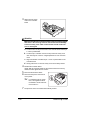
Reconnect all interface cables.
Reconnect the power cord and turn
on the printer.
5"
112
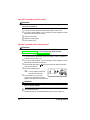
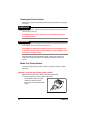
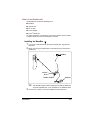
After using the wrench, keep it in a safe place for future use.
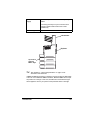
In compliance with UL guidelines, “The appliance inlet is
considered to be the main disconnect device.”
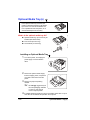
Duplexer