1
Valcom Master Clock (V2)
Programming the Valcom Master Clock
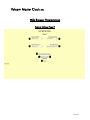
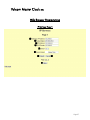
Programming may be accomplished manually or through the web interface. See page 19.
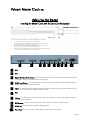
Setting the Time from the LED Display
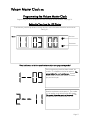
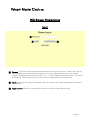
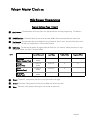
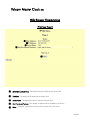
To set the time, press the top button to change the hour and/or the bottom button the set the minute.
See Fig 2.1.
Fig 2.1
Set Hour
Set Minute
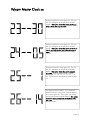
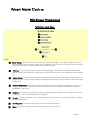
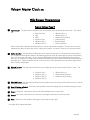
*Press both buttons on the front panel simultaneously to enter programming mode.*
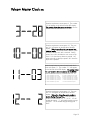
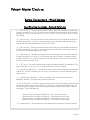
Once programming mode has been entered, the
number “1” will appear in the far left position. This
prompt allows the user to set the year. Use the
bottom button to scroll from “00-99” on the display and set the year.
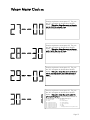
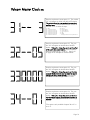
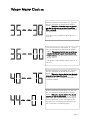
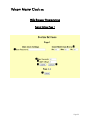
Press the top button to enter option 2. The number
“2” will appear on the left side of the LED display.
This prompt allows the user to set the month. Use
the bottom button to scroll between “01-12”.
Page 11