1
Valcom Master Clock (V2)
Web Browser Programming
IP Settings Page 2
1
2
3
4
5
6
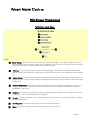
1
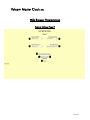
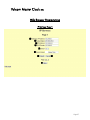
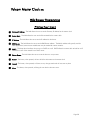
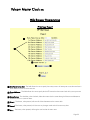
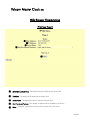
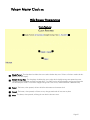
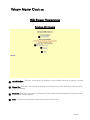
Retry Failed Server After - This field allows the user to specify how many times it will attempt to access the time from a
server before it moves on to the next one.
2
Server Addresses - This field allows the user to specify which NTP servers that the master clock will try to acquire time
from.
3
Rotate Servers - This checkbox, when checked, allows the master clock to rotate through all the server addresses to
access the time on a continual basis.
4
Submit - This button, when pressed, will save all of the information to the master clock.
5
Cancel - This button, when pressed, will clear out any changes made and will not save any data.
6
Menu - This button, when pressed, will bring the user back to the main menu.
Page 29