1
Surveon SMR5016/5020
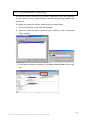
3.7. Configuring an IP Address for NVR Server
Before NVR Server can run successfully, an IP address must be properly bundled
with it.
Note: (1) You may skip these steps if your routing devices have DHCP
capabilities. (2) If you don’t set the fixed IP in the VMS Console first, a
warning massage will prompt out.
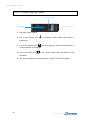
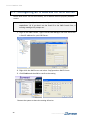
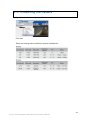
1. Login to the VMS Console, right click the NVR Manager and click edit to set
a fixed IP address for your NVR Server.
2. Right-click the VMS Server and select Configurations> DHCP Server.
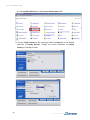
3. Click Enable and then OK to confirm the setting.
Restart the system to have the setting effective.
26
www.surveon.com