1
Unit 4: Printer Configuration
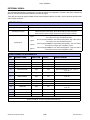
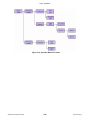
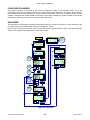
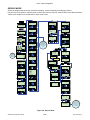
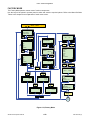
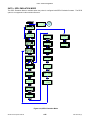
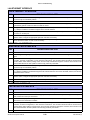
CF (COMPACT FLASH) CARD MODE
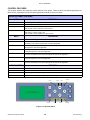
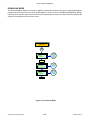
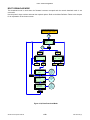
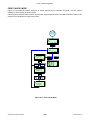
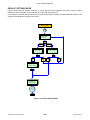
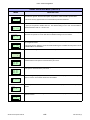
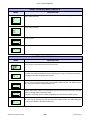
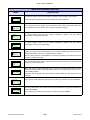
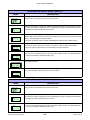
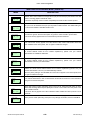
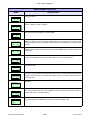
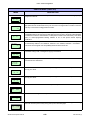
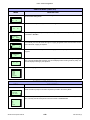
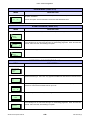
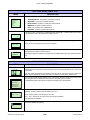
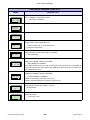
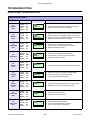
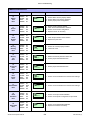
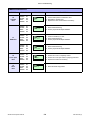
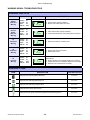
Use the printer’s operator panel to select and enter the required options. Refer to the Menu Definition Tables in this
chapter to provide an explanation of each screen.
POWER
ONLINE
QTY: 000000
LINE
OFFLINE
QTY: 000000
Cancels
print job
CANCEL
ENTER
ONLINE MODE
SEMBL
Mode
ENTER
User
Mode
CF CARD MODE
Interface
Mode
Service
Mode
ENTER
Displayed
if password
feature is
enabled
PASSWORD
0000
CF CARD FORMAT
YES
Yes
ENTER
NO
No
ENTER
CF CARD
FORMAT
COMPLETE
PRESS ENTER
FORMAT START
YES
FORMATTING
NO
ENTER
No
ENTER
Yes
ENTER
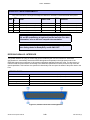
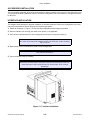
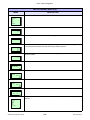
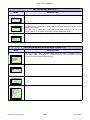
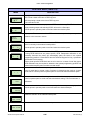
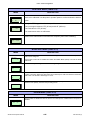
Figure 4-21, CF Card Mode
S8400 Series Operator Manual
4-23
PN: 9001160 (C)