1
kn2124v-4132.book Page 107 Thursday, June 25, 2009 11:27 AM
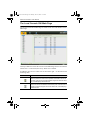
Chapter 7. User Management
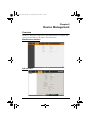
Users
Adding Users
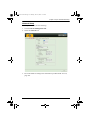
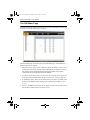
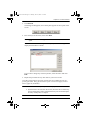
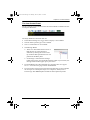
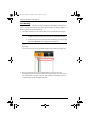
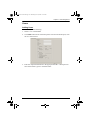
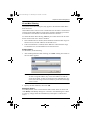
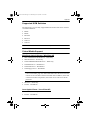
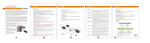
To add a user, do the following:
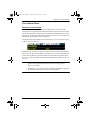
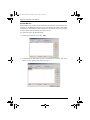
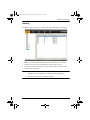
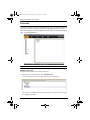
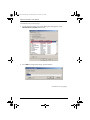
1. Select Users in the Sidebar.
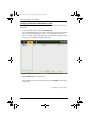
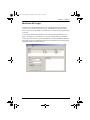
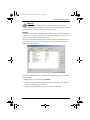
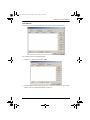
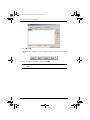
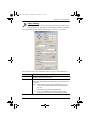
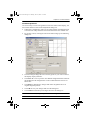
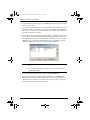
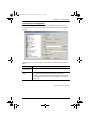
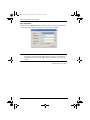
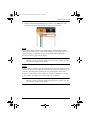
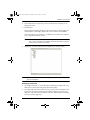
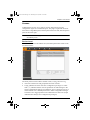
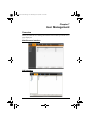
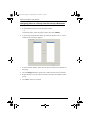
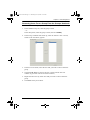
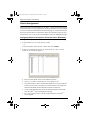
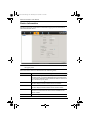
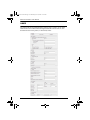
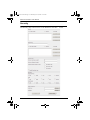
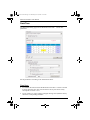
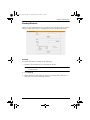
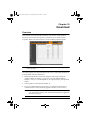
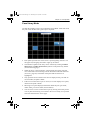
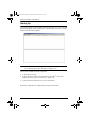
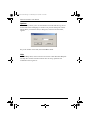
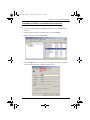
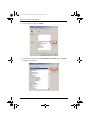
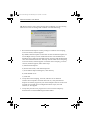
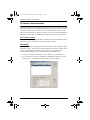
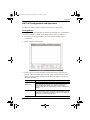
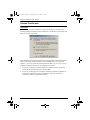
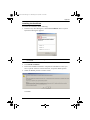
2. Click Add at the bottom of the main panel. The User notebook opens, with
the User tab selected:
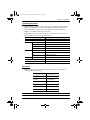
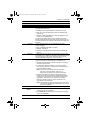
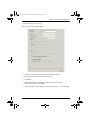
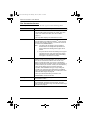
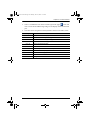
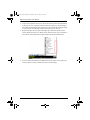
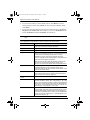
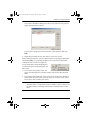
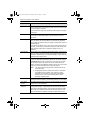
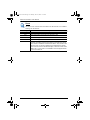
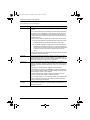
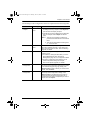
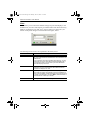
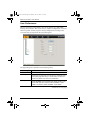
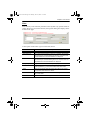
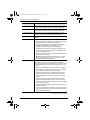
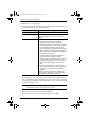
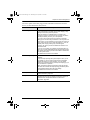
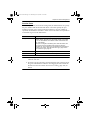
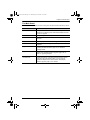
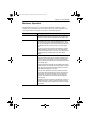
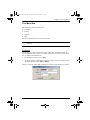
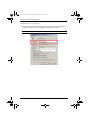
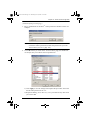
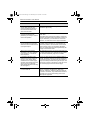
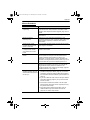
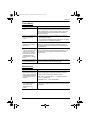
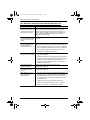
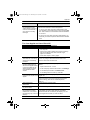
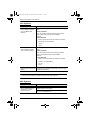
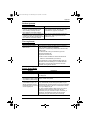
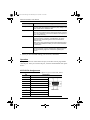
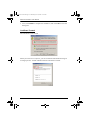
3. Enter the required information in the appropriate fields. A description of
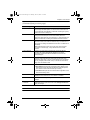
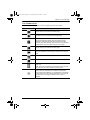
each of the fields is given in the table below:
107