1
kn2124v-4132.book Page 169 Thursday, June 25, 2009 11:27 AM
Chapter 12. The Log Server
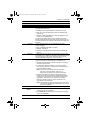
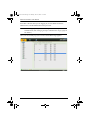
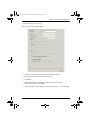
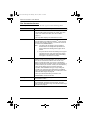
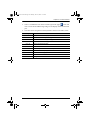
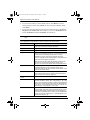
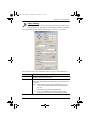
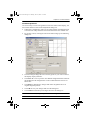
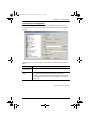
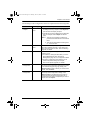
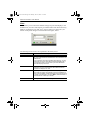
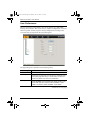
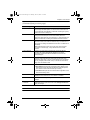
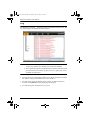
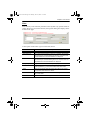
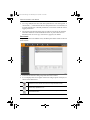
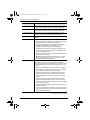
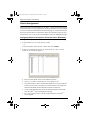
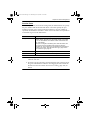
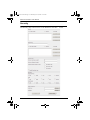
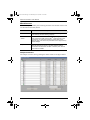
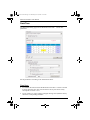
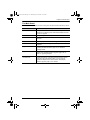
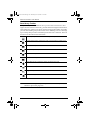
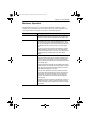
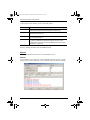
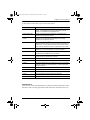
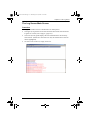
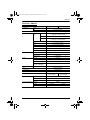
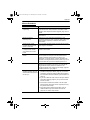
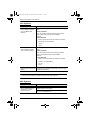
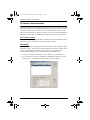
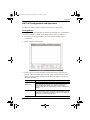
A description of the items is given in the table, below:
Item
Description
New search
This is one of three radio buttons that define the scope of the
search. If it is selected, the search is performed on all the
events in the database for the selected unit.
Search last results
This is a secondary search performed on the events that
resulted from the previous search.
Search excluding last
results
This is a secondary search performed on all the events in the
database for the selected unit excluding the events that
resulted from the previous search.
Server List
KVM Over the NETTM units are listed according to their IP
address. Select the unit that you want to perform the search on
from this list. You can select more than one unit for the search.
If no units are selected, the search is performed on all of them.
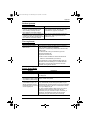
Priority
Sets the level for how detailed the search results display
should be. 1 is the most general; 3 is the most specific.
Start Date
Select the date that you want the search to start from. The
format follows the MM/DD/YYYY convention.
Start Time
Select the time that you want the search to start from. The
format follows the HH:MM:SS convention.
End Date
Select the date that you want the search to end at.
End Time
Select the time that you want the search to end at.
Pattern
Key in the pattern that you are searching for here. The multiple
character wildcard (%) is supported. E.g., h%ds would match
hands and hoods.
Results
Lists the events that contained matches for the search.
Search
Click this button to start the search.
Print
Click this button to print the search results.
Export
Click this button to save the search results to file.
Exit
Click this button to exit the Log Server.
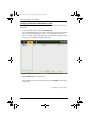
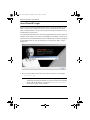
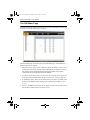
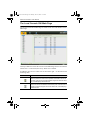
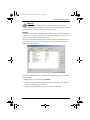
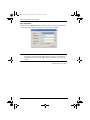
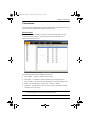
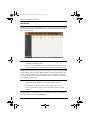
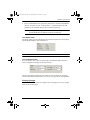
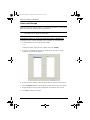
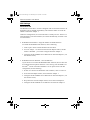
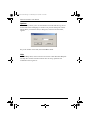
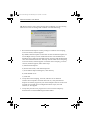
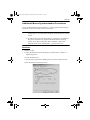
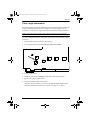
Maintenance:
This function allows the administrator to perform manual maintenance of the
database, such as erasing specified records before their expiration time is up.
169