1
kn2124v-4132.book Page 51 Thursday, June 25, 2009 11:27 AM
Chapter 5. The User Interface
The Control Panel
WinClient Control Panel
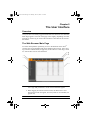
Since the WinClient ActiveX Viewer and WinClient AP Control Panel
contains the most complete functionality of all the user interface control panels,
this section describes the WinClient Control Panel. Although the other control
panels may not have all of the features that this one does, you can refer to the
information described here when using them.
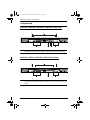
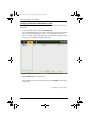
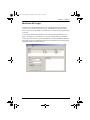
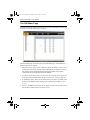
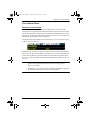
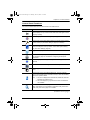
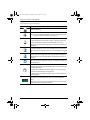
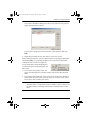
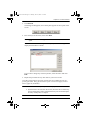
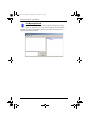
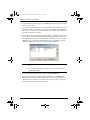
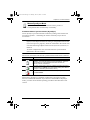
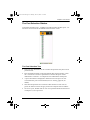
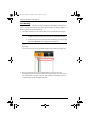
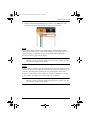
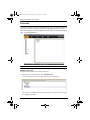
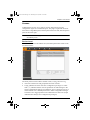
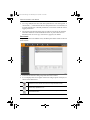
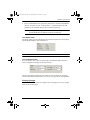
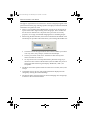
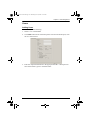
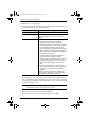
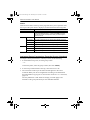
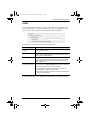
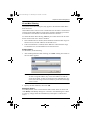
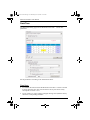
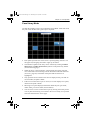
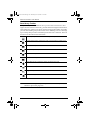
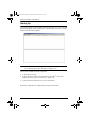
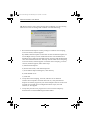
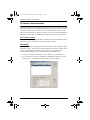
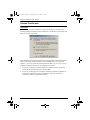
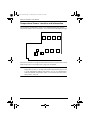
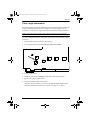
The WinClient Control Panel consists of three rows: a row of icons at the top,
with two text rows below it:
Ordinarily, the top text row shows the video resolution of the remote display.
The lower row shows the IP address of the device you are accessing at the left.
In the center of the bar, the number before the slash indicates which bus the
user is on, while the number behind the slash indicates the number of users on
that bus.
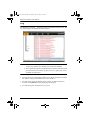
Note: 1. The above image shows the complete Control Panel. The icons that
appear can be customized. See Control Panel Configuration,
page 77, for details.
2. See Multiuser Operation, page 163 for further information regarding
the KVM Over the NETTM switch’s bus assignments.
51