1
FD100-Eng-USA1
1/8/97 11:19 PM
Page 30
5. How to use SMC
If the external memory is needed, SMC(Smart Media Card) can be
used.
When you insert or remove SMC, make sure to turn the power of
MPIO off.
MPIO supports 3.3V SMC Card.
3
MPIO Remote Control
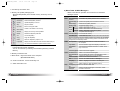
1. MPIO RC1 Introduction
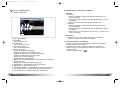
1. Features of MPIO RC1
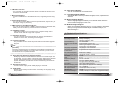
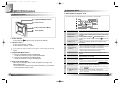
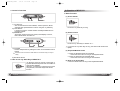
(1) Graphic LCD
- The Graphic LCD enables you to check the file information on the
LCD of the Remote Control.
(2) Blue LED Backlight
- The LED Backlight enables you to check the file information with
ease at night.
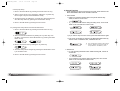
(3) Remote Control Menu Function
- You can change the Setup Status of the Menu on the Remote
Control. (Equalizer, Repeat, Folder Mode, Study Mode, Save
Channel, Sound Mode)
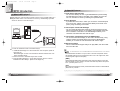
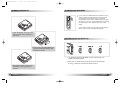
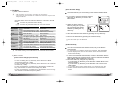
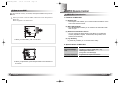
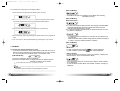
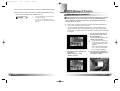
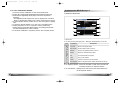
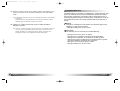
1. When you insert SMC, push it to the end.
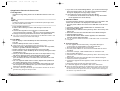
(4) Joy Stick Key
Joy Stick Key enables you to use the button easily.
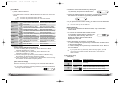
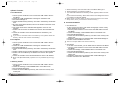
2. Specifications of MPIO RC1
Model Name
Dimensions/Weight
LCD
Language Displayed
MPIO RC1
75.4(W) x 17.6(H) x 9.8(D) mm / 27g
FSTN Type 1 Line LCD
(Indigo Blue LED Backlight)
English/Korean/Japanese/Chinese
2. When you eject SMC, push the Eject Slide to the direction of
the arrow.
30
English
English
31