1
5DGLR2SHUDWLRQ
6HWWLQJSURFHGXUHVIRUWUDQVPLWWHUVHOHFWLRQ
The desired station can be selected via dynamic autostore, transmitter search,
scan search, manual tuning, direct frequency entry and station buttons.
'\QDPLFDXWRVWRUH)0'$6
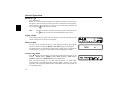
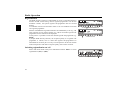
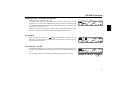
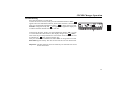
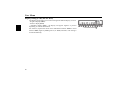
In FM DAS mode, all receivable stations are displayed above the multifunction
buttons arranged according to alphabetical order.
The user menu (Page 85) explains how to set your favourite stations for
selection according toalphabetical order.
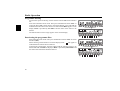
Set the desired station by pressing the button directly below the abbreviated
station designation. If the selected station broadcasts several programmes/
regional programmes, a submenu is automatically displayed to select the
desired programme. If a programme has previously been selected that belongs
to the particular transmitter chain, the last stored programme entry will be
automatically selected.
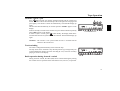
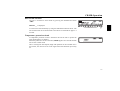
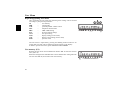
The symbol ! means that the button can be pressed for displaying and selecting
additional stations.
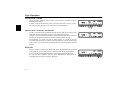
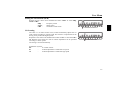
To indicate those stations not easily identified due to display of advertisement
or news, the abbreviation /... /= (L = Local) is used, thus preventing
constant switching in the lower display line. Selected stations of this type are
indicated by a star (e.g. /).
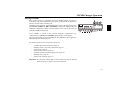
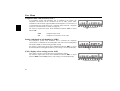
When using the unit for the first time, or following interruption of the power
supply, allow for a brief waiting period so that the receiver can evaluate the
station signals. The display will appear incrementally as the evaluation
progresses.
59



















![[de] Gebrauchsanleitung 2 [fr] Mode d`emploi 10 [en] Instruction](http://vs1.manualzilla.com/store/data/006429905_1-a9442a5acfa7a0b1f04bd604e34d2e55-150x150.png)