1
5DGLR2SHUDWLRQ
3URJUDPPHILOWHULQJ
You have the option of filtering various stations from the FM DAS transmitter
list.
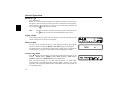
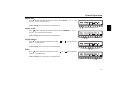
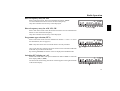
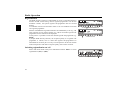
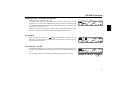
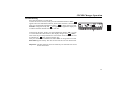
First select FM radio menu mode. Then press multifunction button “),/” to
switch the filter (21). Switch back to the normal display; press and hold the
multifunction button below the station to be filtered until 'RQH appears on the
display. 'RQH is preceded by 6HW )LOWHU and the name of the station to be
filtered.
The filtered station will no longer appear on the normal display.
'HDFWLYDWLQJWKHSURJUDPPHILOWHU
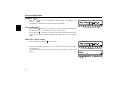
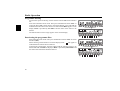
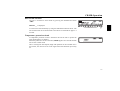
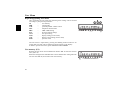
Select FM radio menu mode. Then press multifunction button “),/” to switch
the filter (2))).
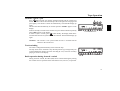
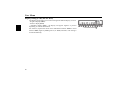
When selecting a filtered station in normal display mode,
will appear to
indicated that the station has been filtered.
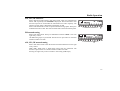
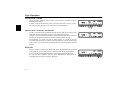
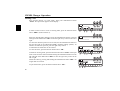
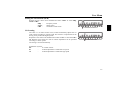
To deactivate a station filter, press the button under the station no longer to be
filtered and hold until 'RQH is displayed. 'RQH is preceded by 5HVHW)LOWHU and
the name of the station that had been filtered.
66



















![[de] Gebrauchsanleitung 2 [fr] Mode d`emploi 10 [en] Instruction](http://vs1.manualzilla.com/store/data/006429905_1-a9442a5acfa7a0b1f04bd604e34d2e55-150x150.png)