1
&'0'&KDQJHU2SHUDWLRQ
&'WLWOHILOWHULQJ
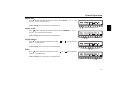
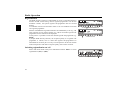
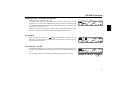
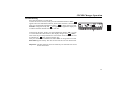
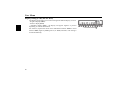
Press function button 2 in CDC mode.
To filter the current CD title, briefly press the multifunction button “),/”.
appears above the multifunction button, which means the filter is activated.
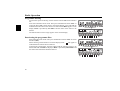
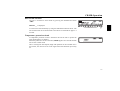
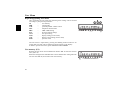
Next press and hold the multifunction button “
” for longer than 2 seconds.
6HW)LOWHU will appear briefly and
will appear in the uppermost display line
to indicate the filter that has been set for this title.
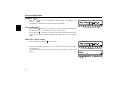
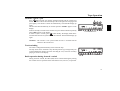
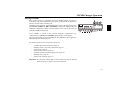
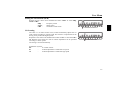
To deactivate the filter, briefly press the multifunction button “),/” in order
to switch off the filter function first. (The display changes from
to ),/).
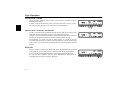
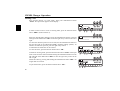
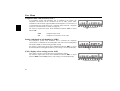
Then select the previously filtered title. The set filter for the selected title will
be indicated by
in the uppermost display line.
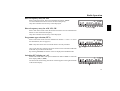
Next press and hold the multifunction button “),/” for longer than 2 seconds.
5HVHW)LOWHU appears briefly. The filter for this title has now been deactivated.
,PSRUWDQWThe filter function can be activated only if a name has been stored
for the selected CD.
81


















![[de] Gebrauchsanleitung 2 [fr] Mode d`emploi 10 [en] Instruction](http://vs1.manualzilla.com/store/data/006429905_1-a9442a5acfa7a0b1f04bd604e34d2e55-150x150.png)