1
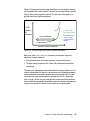
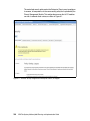
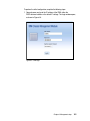
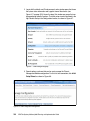
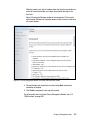
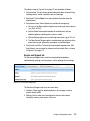
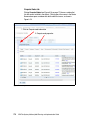
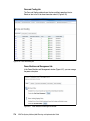
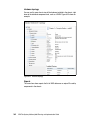
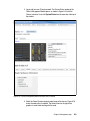
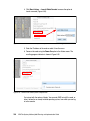
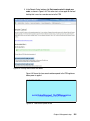
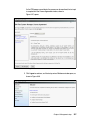
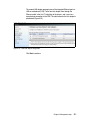
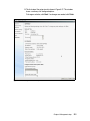
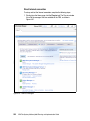
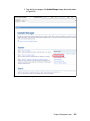
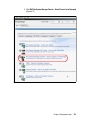
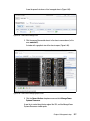
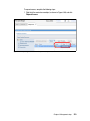
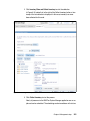
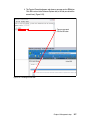
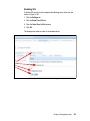
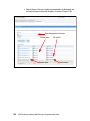
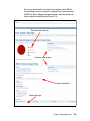
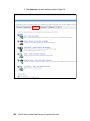
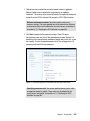
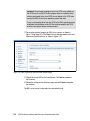
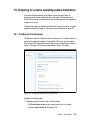
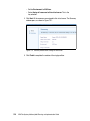
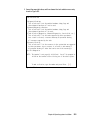
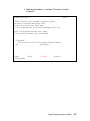
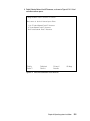
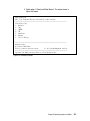
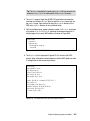
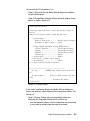
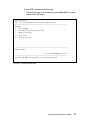
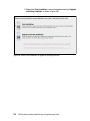
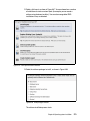
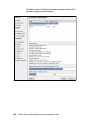
2. Click Inventory/View and Collect Inventory to start the collection.
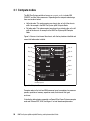
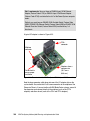
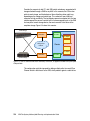
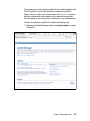
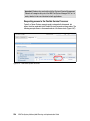
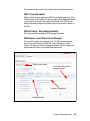
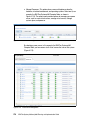
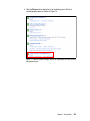
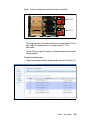
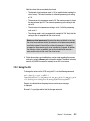
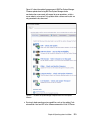
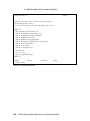
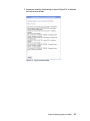
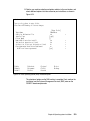
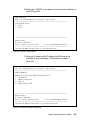
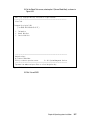
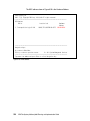
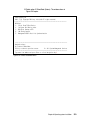
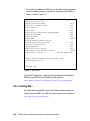
In Figure 6-94, notice that, to the right of the Collect Inventory button, a time
stamp of the last collection is displayed. In this case, inventory has never
been collected for this node.
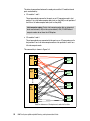
Figure 6-94 Starting inventory collection
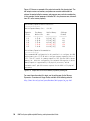
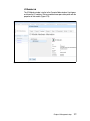
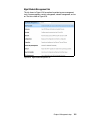
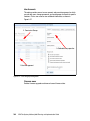
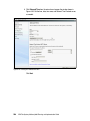
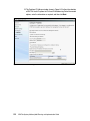
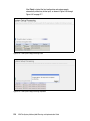
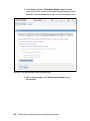
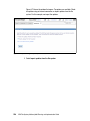
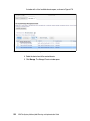
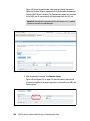
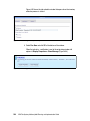
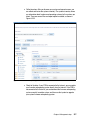
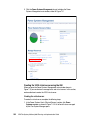
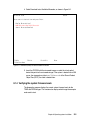
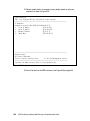
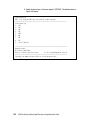
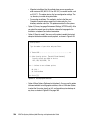
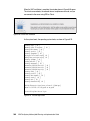
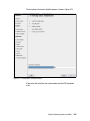
3. Click Collect Inventory to start the process.
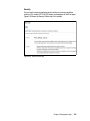
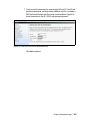
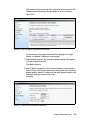
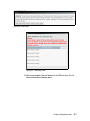
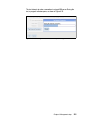
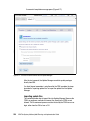
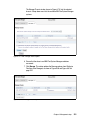
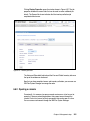
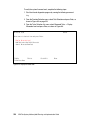
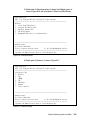
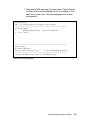
Nearly all processes in the IBM Flex System Manager application are run as
jobs and can be scheduled. The scheduling can be immediate or in the future.
Chapter 6. Management setup
243