1
StellaF1EN-3_FM.book Page 105 Monday, November 12, 2001 11:40 AM
9. Maintaining Your Machine
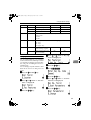
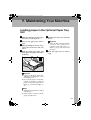
Loading paper in the Optional Paper Tray
Unit
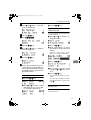
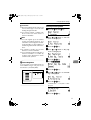
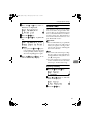
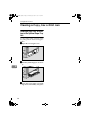
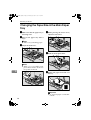
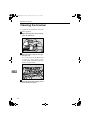
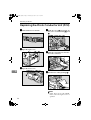
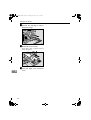
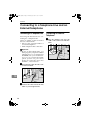
A Make sure that the optional paper
tray unit is not being used.
B Pull
out the paper tray until it
stops.
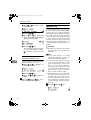
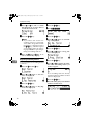
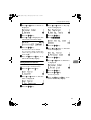
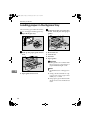
C While pinching the release lever,
adjust the back fence and side
fences.
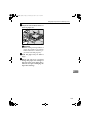
D Push the metal plate down, and
then square the paper and load it
in the tray.
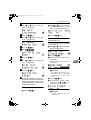
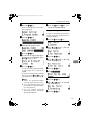
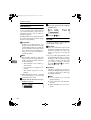
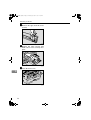
E Readjust the back fence and side
fences.
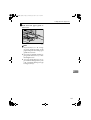
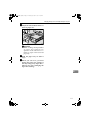
Important
❒ When loading small quantities
o f p ape r, be car eful n ot to
squeeze in the side fence too
much or paper will not be fed
properly.
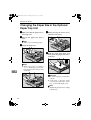
F Push
the paper tray in until it
stops.
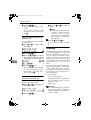
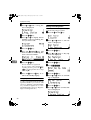
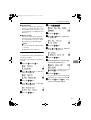
Important
❒ If paper is left in the paper tray
and then you add paper, a misfeed might occur.
❒ Do not stack paper over the limit mark. Load paper so that the
paper touches the right side of
the tray, or misfeeds might occur.
Note
❒ Shuffle the paper before loading
it in the tray.
❒ If the paper is curled, load the
paper up side down.
105