1
StellaF1EN-3_FM.book Page 69 Monday, November 12, 2001 11:40 AM
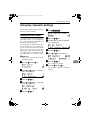
Using Key Operator Settings
Using Key Operator Settings
This chapter explains about functions
the key operator handles.
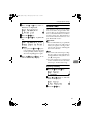
F Press {2}}{2}}{2}}{2}}.
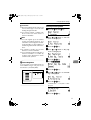
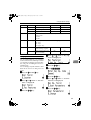
Resetting the ADF Counter
You need to replace the ADF Maintenance Kit when you are prompted to
do so by “Change ADF Maintenance
Kit” message is displayed.
If you replace the ADF Maintenance
Kit when this message is displayed,
you do not need to reset the counter.
However, if you replace the ADF
Maintenance Kit when this message
is not displayed, you must follow the
procedure below to reset the counter.
Reference
See p.113 “Replacing the ADF
Maintenance Kit”.
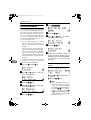
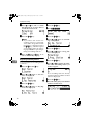
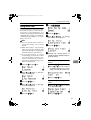
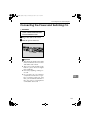
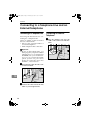
A Press the {User Tools}} key.
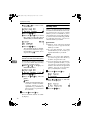
G Press the {OK}} key.
H Confirm that "1. ADF Counter Reset " is displayed.
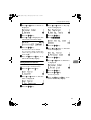
I Press the {OK}} key.
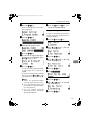
J Press 0 or 1 to select "Reset".
K Press the {OK}} key.
7
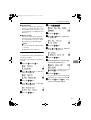
The counters are cleared.
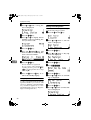
L Press the {User Tools}} key.
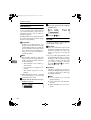
B Press 0 or 1 until " 2. Fax Fea-
The machine returns to standby
display.
tures " is displayed.
C Press the {OK}} key.
D Press 0 or 1 until " 4. Key Op.
Tools " is displayed.
E Press the {OK}} key.
69