1
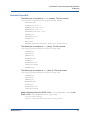
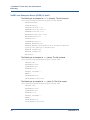
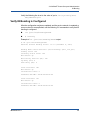
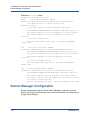
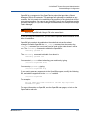
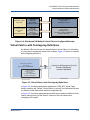
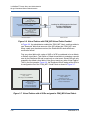
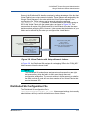
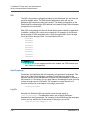
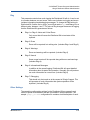
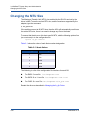
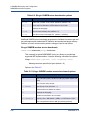
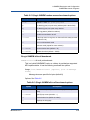
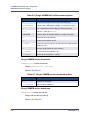
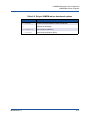
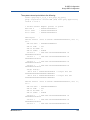
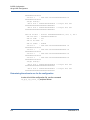
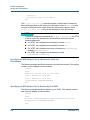
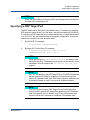
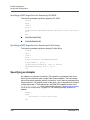
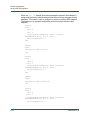
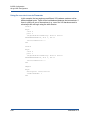
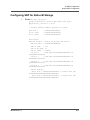
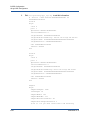
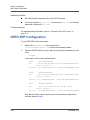
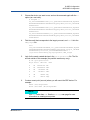
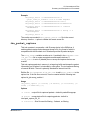
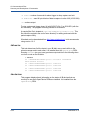
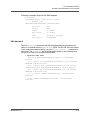
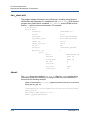
7–Virtual Fabric support in PSM Using Service ID Using Service ID Full vFabric integration with PSM is available, allowing the user to specify a SID. For correct operation, PSM requires the following components to be available and configured correctly. QLogic host Fabric Manager Configuration – PSM MPI vFabrics need to be configured and enabled correctly in the qlogic_fm.xml file. 16 unique SIDs have been allocated in the sample file. OFED+ library needs to be installed on all nodes. This is available as part of Fast Fabrics tools. QLogic Distributed SA needs to be installed, configured and activated on all the nodes. This is part of FastFabrics tools. Please refer to QLogic Fast Fabric User Guide on how to configure and activate the Distributed SA. The SIDs configured in the QLogic Fabric Manager configuration file should also be provided to the Distributed SA for correct operation. Service ID can be specified natively for Open MPI. For other MPIs use the following list of environment variables. The environment variables need to be propagated across all processes for correct operation. Open MPI: Use mca parameters (mtl_psm_ib_service_id and mtl_psm_path_query) to specify the service id on the mpirun command line. Example: mpirun –np 2 –machinefile machinefile -mca mtl_psm_path_query opp -mca mtl_psm_ib_service_id SID prog prog_args Other MPIs can use the following environment variables: PSM_PATH_REC=opp # Path record query mechanism to use. Always specify opp PSM_IB_SERVICE_ID=SID # Service ID to use SL2VL mapping from the Fabric Manager PSM is able to use the SL2VL table as programmed by the QLogic Fabric Manager. Prior releases required manual specification of the SL2VL mapping via an environment variable. IB0054606-02 A 7-3