1
G–Commands and Files
Summary and Descriptions of Commands
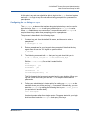
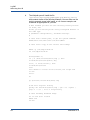
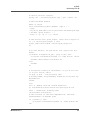
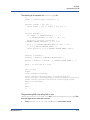
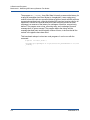
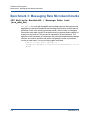
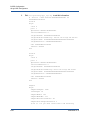
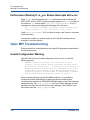
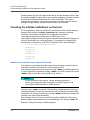
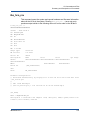
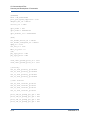
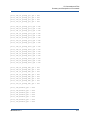
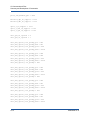
FW image verification succeeded. Image is bootable.
######################
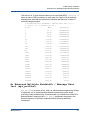
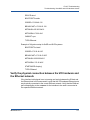
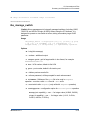
iba_manage_switch
(Switch) Allows management of externally managed switches (including 12200,
12200-18, and HP BLc QLogic 4X QDR) without using the IFS software. It is
designed to operate on one switch at a time, taking a mandatory target GUID
parameter.
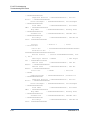
Usage
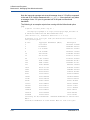
iba_manage_switch -t target-guid [-H] [-v] [-h hca] [-p port]
[ -x] [-S] [ -f fileName] [-r] [-C configOption] [-i
integer-value] [-s string-value] [-c captureFile] operation
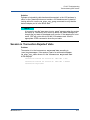
Options
-H – help (this message)
-v – verbose - additional output
-t target-guid – guid of target switch in hex format, for example
0x00066a00e3001234
-h hca – HCA number, default is first HCA
-p port – port number, default is first active port
-x – clobber previous results file
-S – enforce password, will be prompted for each subcommand
-f fileName – fileName of the emfw file to be used in fwUpdate
operation - must be a valid emfw file with .emfw suffix
-r – reset switch after fwUpdate (only valid with fwUpdate operation)
-C configOption – configuration option for setConfigValue operation
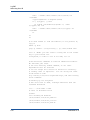
mtucap (mtu capability) – use -i for integer value (4-2048, 5-4096)
vlcap (vl capability) – use -i for integer value (1=1VL, 2=2VLs,
3=4VLs, 4=8VLs, 5=15VLs)
IB0054606-02 A
G-19