1
VARI❋LITE® - VIRTUOSO™ / VIRTUOSO™ DX CONSOLE USER’S MANUAL
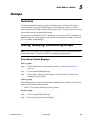
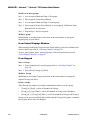
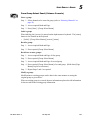
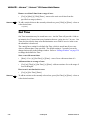
Setting Intensity States
Note: Although VLM moving mirrors do not have lamps, they must still have an
intensity value (active, marked, or zero) in order to store information in a cue.
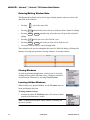
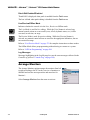
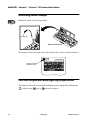
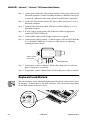
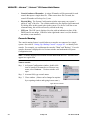
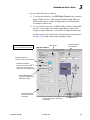
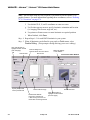
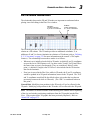
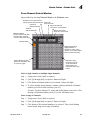
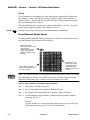
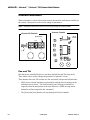
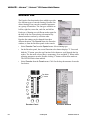
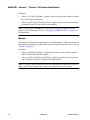
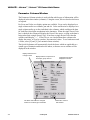
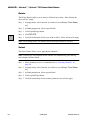
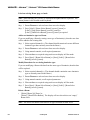
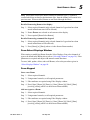
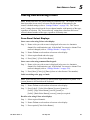
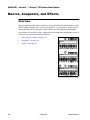
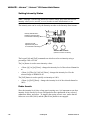
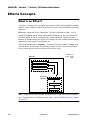
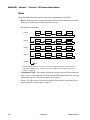
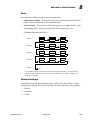
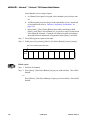
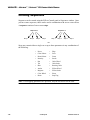
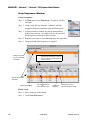
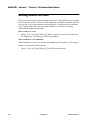
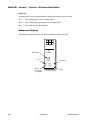
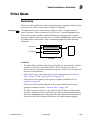
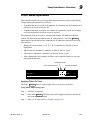
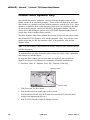
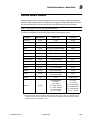
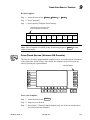
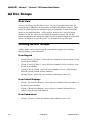
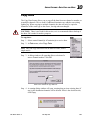
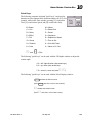
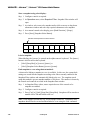
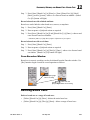
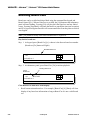
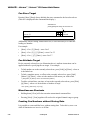
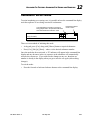
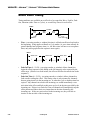
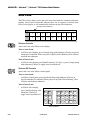
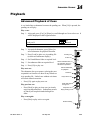
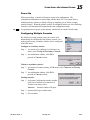
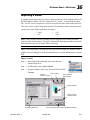
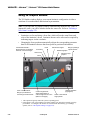
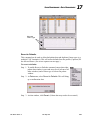
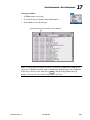
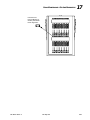
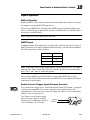
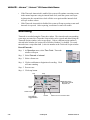
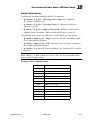
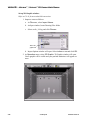
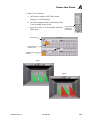
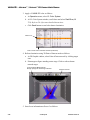
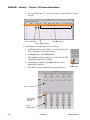
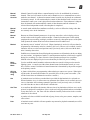
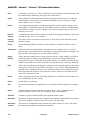
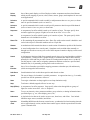
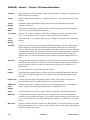
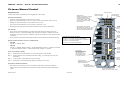
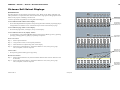
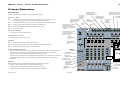
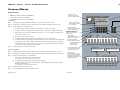
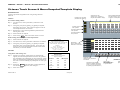
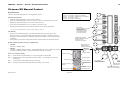
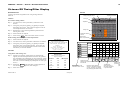
The intensity state can be set by the Intensity encoder or the Intensity State buttons.
Image
Beam
Intensity State Buttons Applies an intensity state
to a selected luminaire(s).
Color
Shutter
Full
Mark
Open
Flip
Shift
Out
Zero
Close
Last
Next
Intensity
Intensity Encoder Adjusts intensity level
for a selected luminaire(s).
Pan
Tilt
Virtuoso DX Console
(Virtuoso Console not shown)
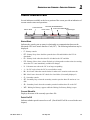
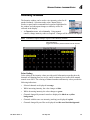
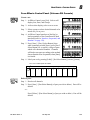
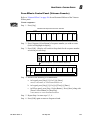
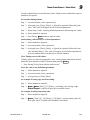
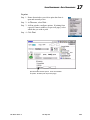
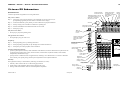
The keypad [At] and [Full] commands can also be used to set intensity using a
percentage value of 0-100.
The [At] button is used to enter intensity values:
•
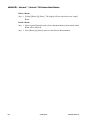
<Chan> [n] [At] [m] [Enter] - changes the intensity level of the selected channel to
m.
•
<Chan> [n] [Thru] [q] [At] [m] [Enter] - changes the intensity level for the
selected range of channels to m.
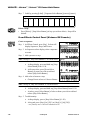
The [Full] button is used to quickly set intensity to 100%.
•
<Chan> [n] [Full] [Enter] - changes the intensity level of the selected channel to
100%.
Fader Levels
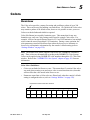
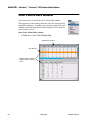
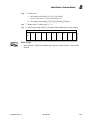
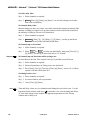
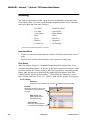
Since the intensity level plays a large part in storing cues, it is important to note that
intensity levels stored in a cue are calculated after the contribution of any selected
submasters faders, not before. To simplify the storing of basic cues, ensure that all
faders are set at full (100%) and the [Black Out] button is not engaged.
118
23-Sep-02
02. 9651.0 001 C