1
VARI❋LITE® - VIRTUOSO™ / VIRTUOSO™ DX CONSOLE USER’S MANUAL
Multi-Console Features
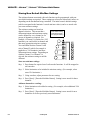
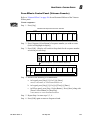
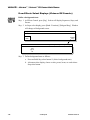
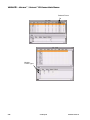
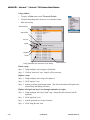
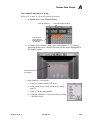
Setting Up a Backup Console
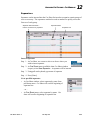
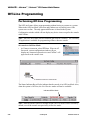
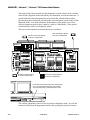
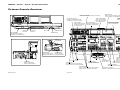
Virtuoso will allow a second console to be connected to a single lighting system. This
feature can be used to ready a backup console for quick takeover of system operations
in the event the main console goes down. To configure the system for multiple
console connection, it is necessary to setup one console as a primary and others as
secondary.
Note: Full multi-user programming capability is not yet implemented. Therefore, it is
recommended that no more than one console be used to program a show at one time.
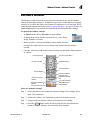
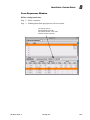
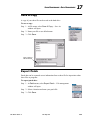
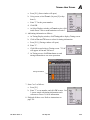
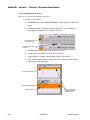
Primary and Secondary Setups
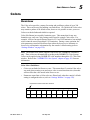
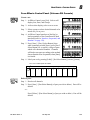
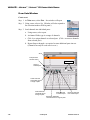
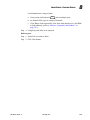
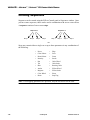
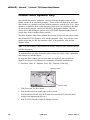
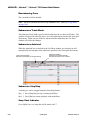
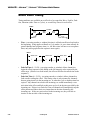
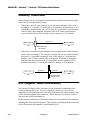
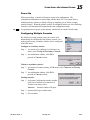
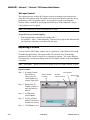
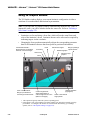
In a multi-console setup, there are two possible console configurations. The
configuration for each console depends on the purpose and system limitations for that
particular multiple console setup.
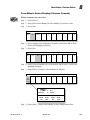
•
Primary Console. This console serves as the main system console. It stores the
show file and retains overall submaster control.
Notes: Each system must have a primary console.
Only one primary console per system is allowed.
•
Secondary Console. This console is an additional console hosted by the primary
console. It receives show data from the primary and mirrors all submaster
operations.
Notes: As many secondary consoles as required are allowed.
Must be used in conjunction with a primary console.
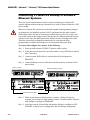
Note: The Virtuoso DX console DMX outputs are only active in the Primary setup.
DX
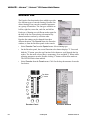
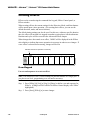
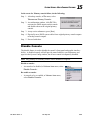
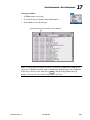
Online Backup
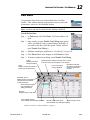
The online backup feature is active when a main console and a backup console are
connected in a system. The online backup allows the backup (secondary) console to
track all show file changes made at the main console so that if the backup console is
required to takeover, the transition is seamless (without a console reset or data
download to the system).
262
23-Sep-02
02. 9651.0 001 C