1
VARI❋LITE® - VIRTUOSO™ / VIRTUOSO™ DX CONSOLE USER’S MANUAL
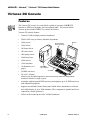
Basic Tutorial
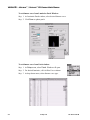
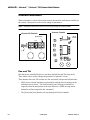
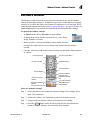
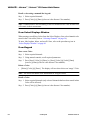
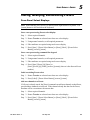
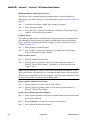
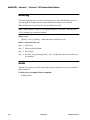
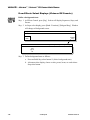
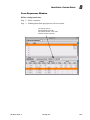
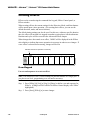
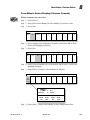
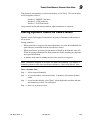
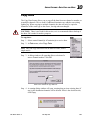
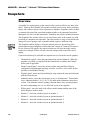
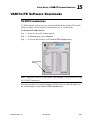
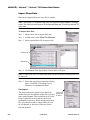
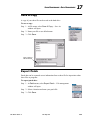
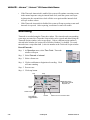
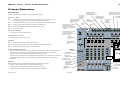
Create a new show file:
Refer to Ch. 17 for more detailed instructions.
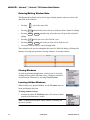
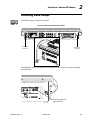
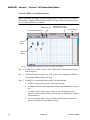
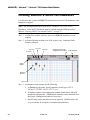
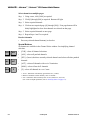
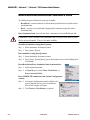
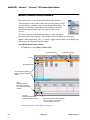
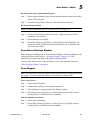
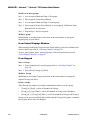
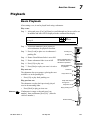
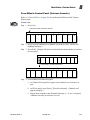
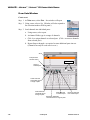
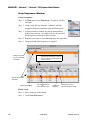
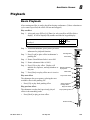
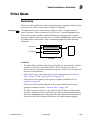
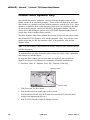
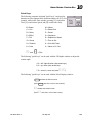
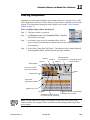
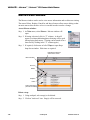
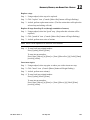
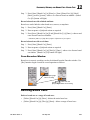
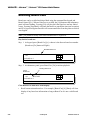
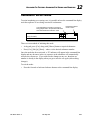
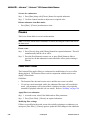
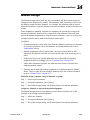
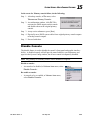
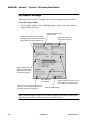
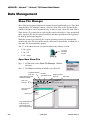
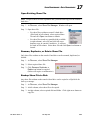
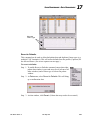
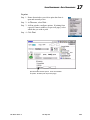
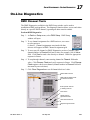
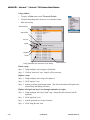
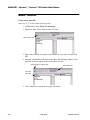
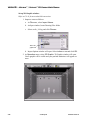
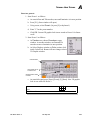
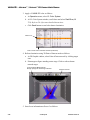
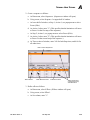
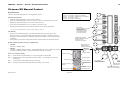
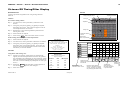
1. At File menu, select Show File Manager.
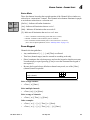
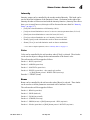
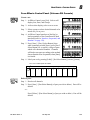
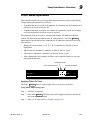
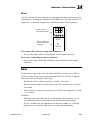
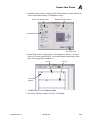
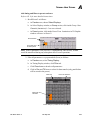
2. Open new show file by clicking New File icon.
New File Icon
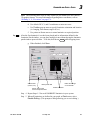
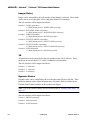
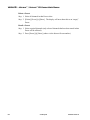
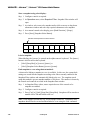
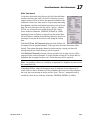
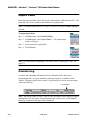
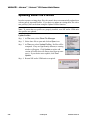
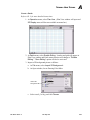
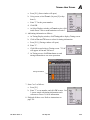
3. Enter Name window will open. Enter a name for your show file and click
OK.
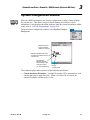
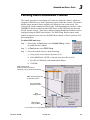
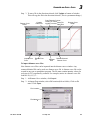
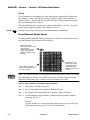
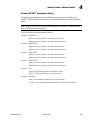
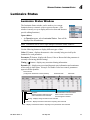
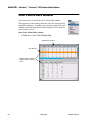
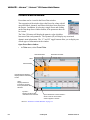
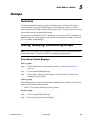
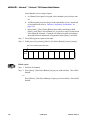
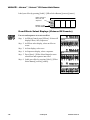
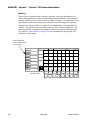
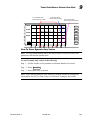
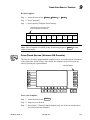
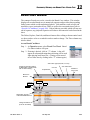
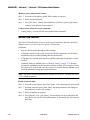
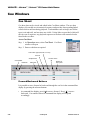
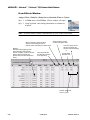
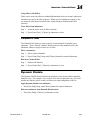
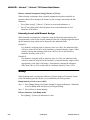
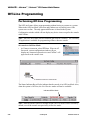
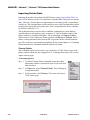
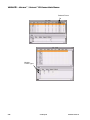
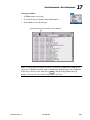
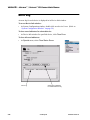
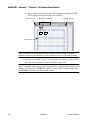
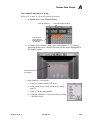
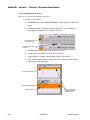
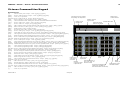
4. Program will initialize and return to the Show File Manager window. Your
show file will now appear in the Active Show File box.
Close Window by clicking here
Active Show File
Your New
Show File
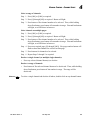
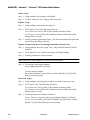
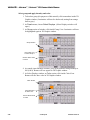
5. Close window by clicking box in upper left corner.
320
23-Sep-02
02. 9651.0 001 C