1
ni
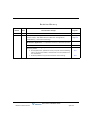
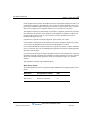
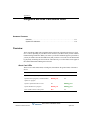
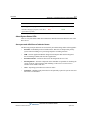
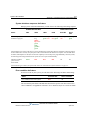
Revision History
Release
2.0 SP1
Date
Documentation Changes
Page No.
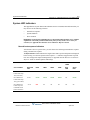
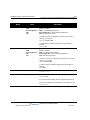
04/11 SERVICE PACK RELEASE
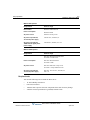
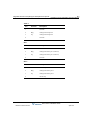
In Chapter 4, “Setting Up the Wave IP 2500 Server”, updated section
“Power supply” and added sections “Minimum configuration”,
“Redundancy”, and “Fault monitoring”.
starting on
page 4-4
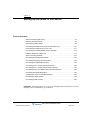
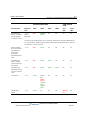
Renamed Chapter 9 to “Installing ViewPoint and Other Wave
Workstation Applications” to emphasize ViewPoint installation process.
9-1
Added important note: Do not install ViewPoint on the Wave Server.
9-2
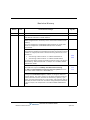
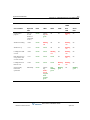
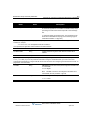
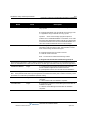
Updated Troubleshooting chapter with symptoms/solutions for the
following issues:
• On a digital phone, password re-entry may fail when forwarding
calls to an external number, because the incorrect password is
not cleared first.
• Firewall problems may prevent ViewPoint from starting.
Wave Server Installation Guide
Release 2.0 Service Pack 1
April 2011
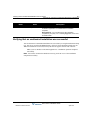
G-6
G-8