1
Display views
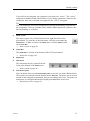
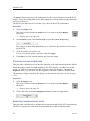
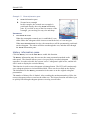
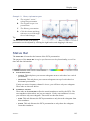
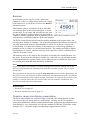
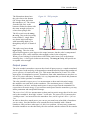
Example 14
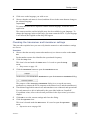
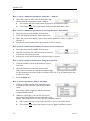
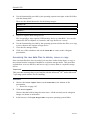
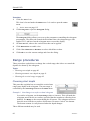
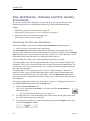
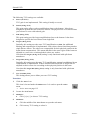
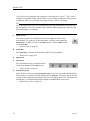
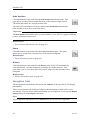
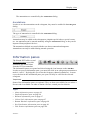
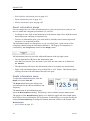
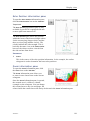
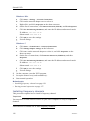
History information pane
A
The original “active”
echogram presentation
B
The original scope view
presentation
C
The History presentation
D
Click this button and drag
sideways to scroll through
the recorded images
Tip
The horizontal width of the history
presentation can be adjusted by clicking the right border, and dragging it sideways.
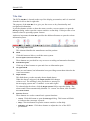
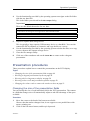
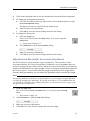
Status Bar
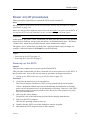
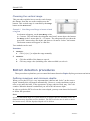
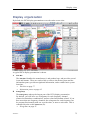
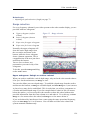
The Status Bar is located at the bottom of the ES70 presentation.
The purpose of the Status Bar is to give you fast access to key functionality, as well as
time and date information.
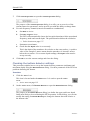
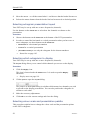
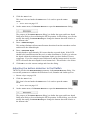
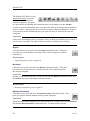
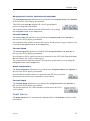
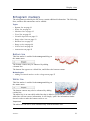
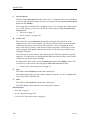
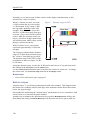
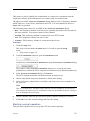
A
Presentation format
• Vertical: This tab places your current echograms next to each other in a vertical
presentation.
• Horizontal: This tab places your current echograms on top of each other in a
horizontal presentation.
If only one active frequency channel is in use, you will have only one echogram.
These tabs are then not shown.
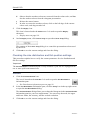
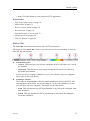
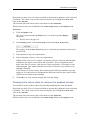
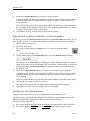
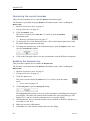
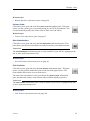
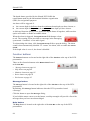
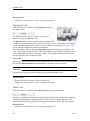
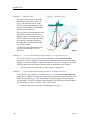
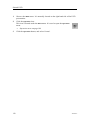
B
Transducer selection
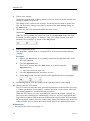
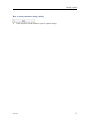
These tabs on the Status Bar reflect the actual transducers used by the ES70. The
two transducers shown here are just an example. If only one transducer is in use,
you will have only one echogram. These tabs are then not shown.
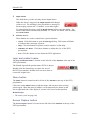
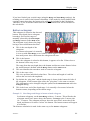
• ES38: This tab allocates the ES70 presentation to only show the echogram from
this transducer.
• ES120: This tab allocates the ES70 presentation to only show the echogram
from this transducer.
343539/C
103