1
Control Codes
POSjet® 1500
Programmer's Guide
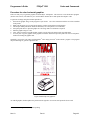
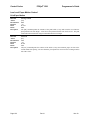
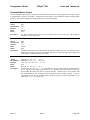
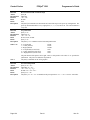
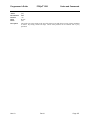
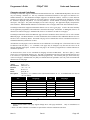
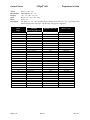
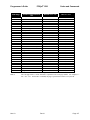
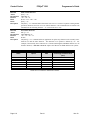
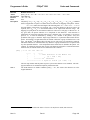
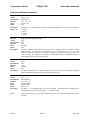
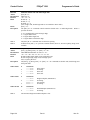
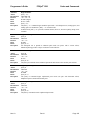
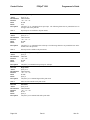
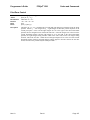
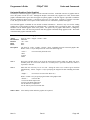
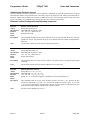
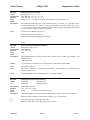
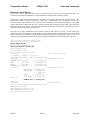
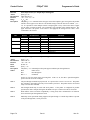
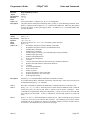
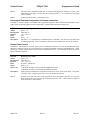
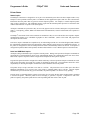
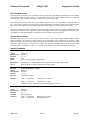
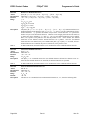
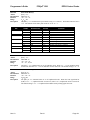
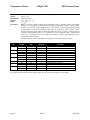
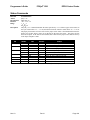
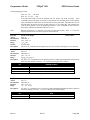
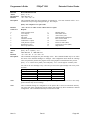
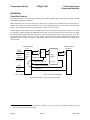
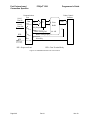
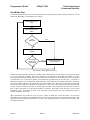
When activated, validation data is saved in the printer and then printed on the receipt when the
validation slip is removed.
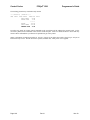
The auto journal repeats any validation data on the receipt after the validation form is removed
from the printer. This feature can be used to simulate the ability of impact printers to generate a
record of validation operations on impact paper on the receipt station.
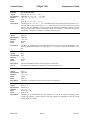
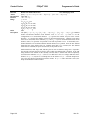
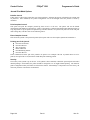
NOTE:
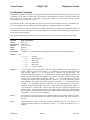
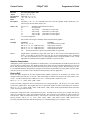
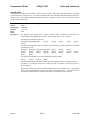
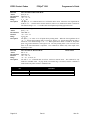
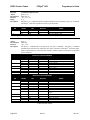
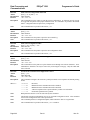
The Journal buffer is limited to 2000 bytes. This includes commands and printable information.
Commands that provide status such as [ESC]q and non-print activity like open Cash drawer
commands will not be saved in the Auto journal buffer. However, commands that control print
fonts and other print functions will be included. It is up to the programmer to assure that the
printer is in an appropriate mode to print the receipt when the slip is complete.
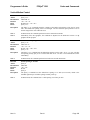
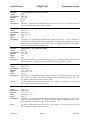
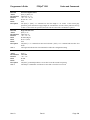
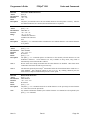
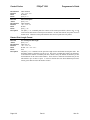
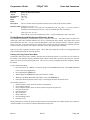
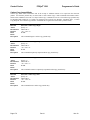
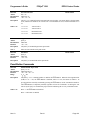
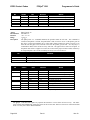
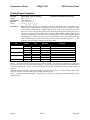
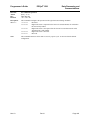
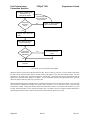
This command must be issued when in validation mode with a form present.
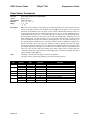
This feature may be activated by default by setting Auto Journal in the configuration menu to
AUTO. (This is not settable in the manual configuration mode. It is intended to be a factory
configurable feature.)
Page 172
Rev N
Nov-10