1
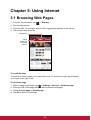
Using widgets
Save time with live updates right on the Home screen and get all your personalized
updates in one place.
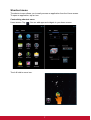
You may add and customize the Widgets on the Home screen as you like.
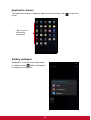
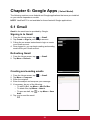
1. From the Home screen, tap
.
All available widgets are displayed.
2. To add widget, drag the widget icon to the specific Home screen.
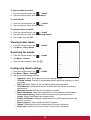
To remove widgets:
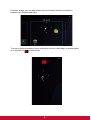
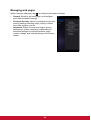
1. From the Home screen, tap and hold the desired widget. The
appears on the top right of the Home screen.
2. Drag the widget to
screen.
icon to delete it from the Home
9
icon