1
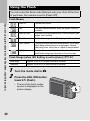
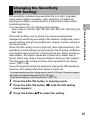
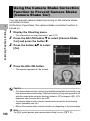
Using the Camera Shake Correction
Function to Prevent Camera Shake
(Camera Shake Cor)
1
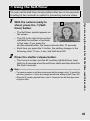
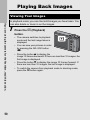
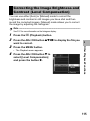
You can prevent camera shake by turning on the camera shake
correction function.
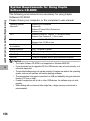
At the time of purchase, the camera shake correction function is
turned on.
Various Shooting Functions
1
2
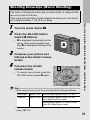
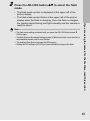
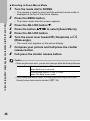
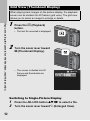
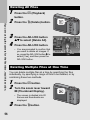
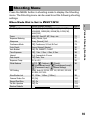
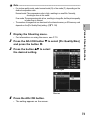
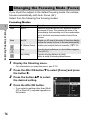
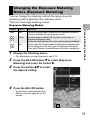
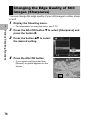
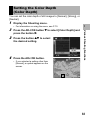
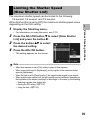
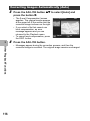
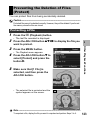
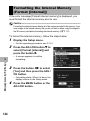
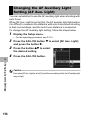
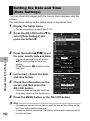
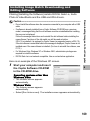
Display the Shooting menu.
• For information on using the menu, see P.70.
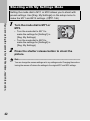
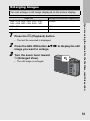
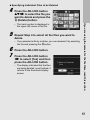
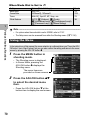
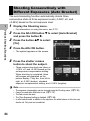
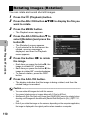
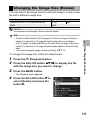
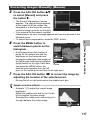
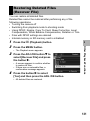
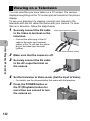
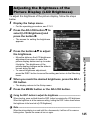
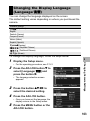
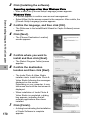
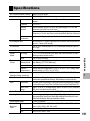
Press the ADJ./OK button " to select [Camera Shake
Cor] and press the button $.
3
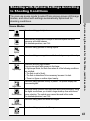
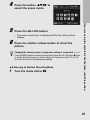
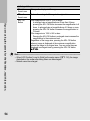
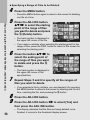
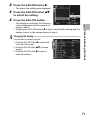
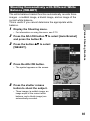
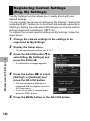
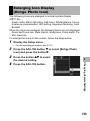
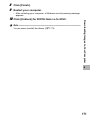
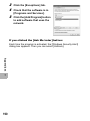
Press the button !" to select
[On].
4
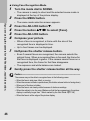
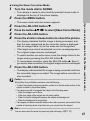
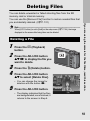
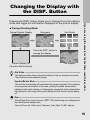
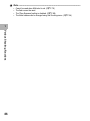
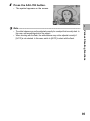
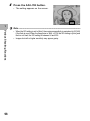
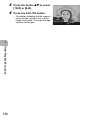
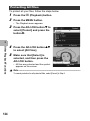
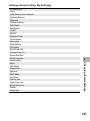
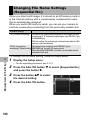
Press the ADJ./OK button.
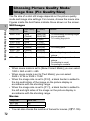
• The symbol appears on the screen.
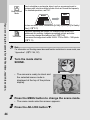
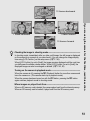
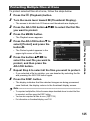
Caution-----------------------------------------------------------------------------------------• The camera shake correction function is not available during Multi-shot shooting, long
time exposure and movie shooting. If Multi-shot shooting or long time exposure is set
while the camera shake correction function is turned on, E changes to F. E
disappears when the mode dial is set to 3.
• The camera shake correction function cannot prevent movement of the shooting
subject (caused by wind, etc.).
• Effects of the camera shake correction function vary depending on the surroundings.
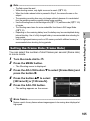
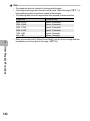
Note ----------------------------------------------------------------------------------------------
100
The J symbol appears when camera shake is likely to occur. (GP.33)