1
Rotating Images (Rotation)
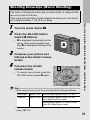
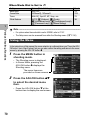
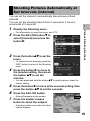
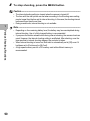
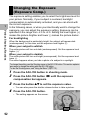
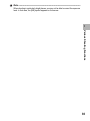
You can rotate and record shot still images.
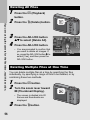
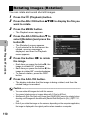
1
2
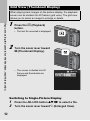
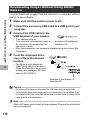
Press the 6 (Playback) button.
3
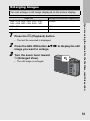
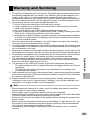
Press the MENU button.
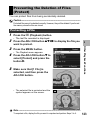
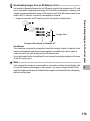
Press the ADJ./OK button !"#$ to display the file you
want to rotate.
• The Playback menu appears.
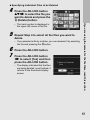
4
3
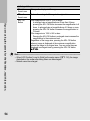
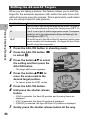
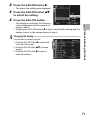
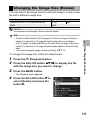
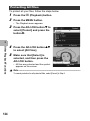
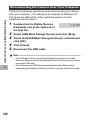
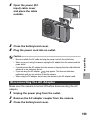
Press the ADJ./OK button " to
select [Rotation] and press the
button $.
Other Playback Functions
• The [Rotation] screen appears.
• If you selected a file that cannot be
rotated, an error message is
displayed, and then the Playback
menu appears.
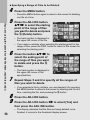
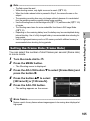
5
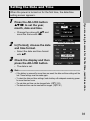
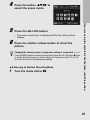
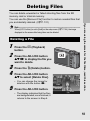
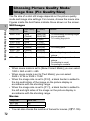
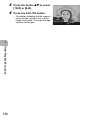
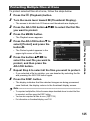
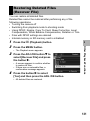
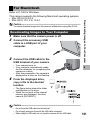
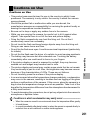
Press the button #$ to rotate
the image.
• Each time you press the button $, the
image is rotated 90° clockwise.
• Each time you press the button #, the
image is rotated 90° counterclockwise.
• To cancel rotation, press the DISP.
button.
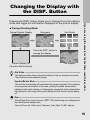
6
Rotation
Cancel
Ok
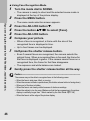
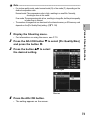
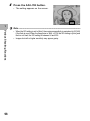
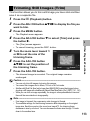
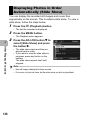
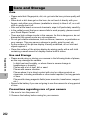
Press the ADJ./OK button.
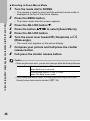
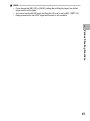
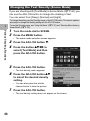
• The display indicates that the image is being rotated, and then the
rotated image is recorded.
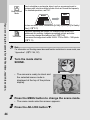
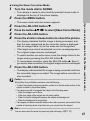
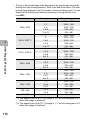
Caution-----------------------------------------------------------------------------------------• You can rotate still images shot with this camera.
• You cannot rotate movies or images taken with S-Cont or M-Cont.
• Subfiles with [Sub File Size] set to lower than [N640[VGA]] cannot be rotated, when
shooting a still image with a subfile with [Record Dual Size] set to [On]. (GP.101,
150)
• Even if you rotate the image on the camera, depending on the computer application,
the image is displayed in its original position when viewed on a computer.
110