1
Unit 4: Standard Command Codes
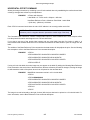
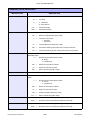
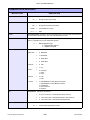
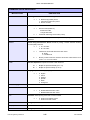
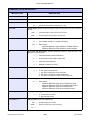
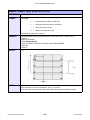
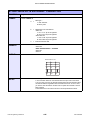
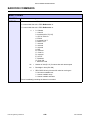
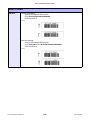
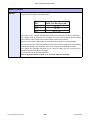
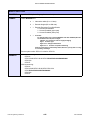
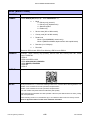
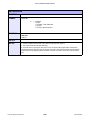
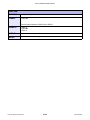
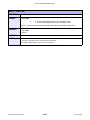
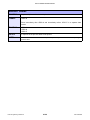
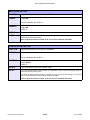
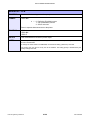
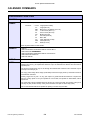
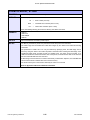
FORM OVERLAY, STORE
FUNCTION
To store a label image in the volatile form overlay memory. Only one label image may be
stored in this memory area at a time.
FORMAT
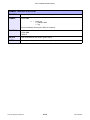
<ESC>&
Must be preceded by all other data and placed just before Stop (<ESC>Z) command.
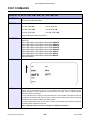
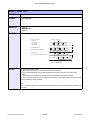
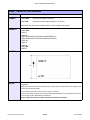
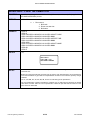
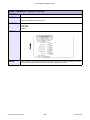
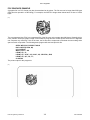
EXAMPLE
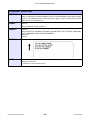
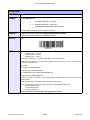
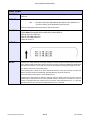
<ESC>A
<ESC>H0100<ESC>V0125
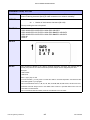
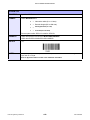
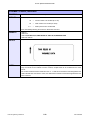
<ESC>STHIS IS THE STORED IMAGE WITH A BARCODE
<ESC>H0100<ESC>V0165<ESC>B103100*12345*
<ESC>&
<ESC>Z
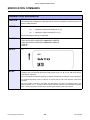
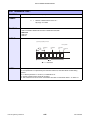
OUTPUT
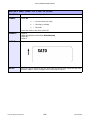
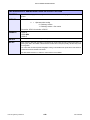
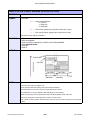
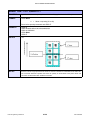
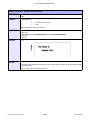
This command does not result in printer output. It stores the label image in the overlay buffer.
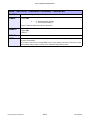
NOTES
Remember that this storage is volatile. Therefore, if the printer loses power, the overlay must be sent
again.
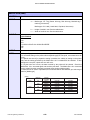
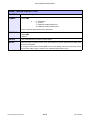
The overlay is recalled using the Form Overlay Recall (<ESC>/) command.
Form overlays do not have to be recompiled each time they are called to be printed and therefore may
result in much faster print output.
E/Pro Programming Reference
4-16
PN: 9001096E