1
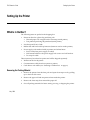
Setting Up the Printer
7193 Owner’s Guide
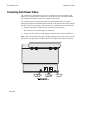
Connecting Communication and Power Cables
The printer receives power from a power supply and uses one cable for
communication and a separate cable for power.
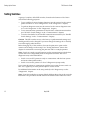
Caution: Be sure that all power is disconnected before connecting the cables.
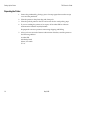
1.
Turn off the host system or unplug the power supply if it is plugged in.
2.
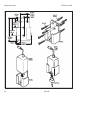
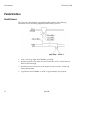
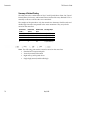
Plug the power supply cable into the printer first, then plug the power cord
into the power supply, then into an outlet.
3.
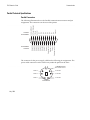
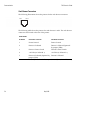
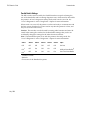
Connect the communication cable to the printer, then to the host system.
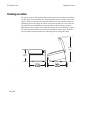
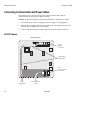
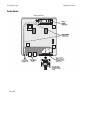
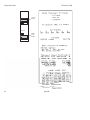
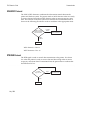
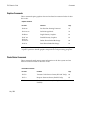
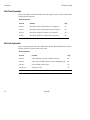
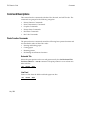
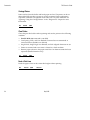
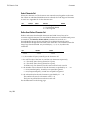
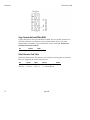
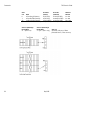
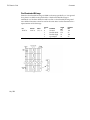
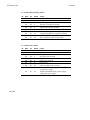
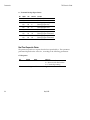
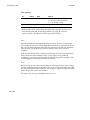
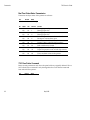
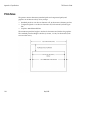
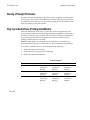
RS-232C Models
Bottom of Printer
Power
Supply
Connector
Power Supply
Cable Route
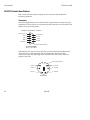
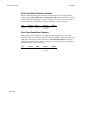
9-Pin
Communication
Connector
Power
Supply Cable
16
Communication
Cable
May 1996