1
7193 Owner’s Guide
Quick Reference
Quick Reference
This Quick Reference will direct you to key areas of the Owner's Guide. For a
complete listing of topics, see the Contents or Index.
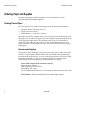
Ordering Paper and Supplies
page 4
Information on where and how to obtain paper and optional items.
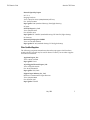
Setting Up the Printer
page 9
Basic requirements for unpacking and installing the printer.
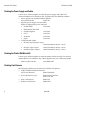
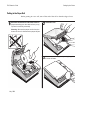
Loading and Changing Paper
page 19
A brief discussion of the simple paper loading procedure.
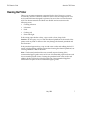
Testing the Printer
page 23
Procedures for running a test to check the print quality of the printer.
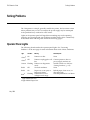
Solving Problems
page 29
What to do if a problem occurs.
Diagnostics
page 33
A technical discussion of the three levels of diagnostics available.
Communication Interfaces
page 45
Specifications for the RS-232 and Parallel communication interfaces.
Commands
page 63
Lists and descriptions of the programming commands.
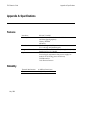
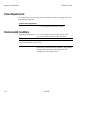
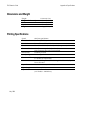
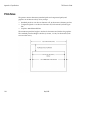
Specifications
page 101
Technical specifications for the printer.
May 1996
i