1
left page (31) of KC65 Hera en, A31008-H7800-A1-1-7619 (14.05.2004, 14:19)
Siemens AG 2003, C:\Daten\Siemens\Produkte\C65\output\SUG\KC65_sug_en_040511_rs\KC65_SMS.fm
31
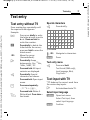
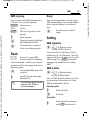
SMS to group
Reply
You can send an SMS message as a
"circular" to a recipient group.
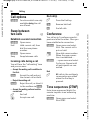
You can answer the currently open
SMS immediately. The newly added
text is placed above the received
text.
§Options§
Open menu.
Send
Select.
§Group§
The list of groups is displayed.
C
Select group.
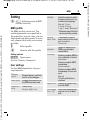
Setting
I
C
C
Open group and highlight
all/individual entries.
C ¢M¢Message setup
Arrival of a new SMS
announced in the display.
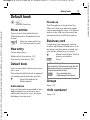
You can enter a "signature" with a
maximum of 16 characters. This signature will then be attached to each
SMS except for a §Reply§ and when
changes are made to an existing
SMS.
Inbox is opened. It offers you a quick
overview of the messages that have
been received.
C
I
ã
SMS signature
Transmission is started
after a security prompt.
Read
p
Functions for a direct
reply.
To read the SMS, press the
joystick.
Scroll through message
line by line.
If this symbol flashes, the SIM
memory is full. Delete or
archive messages.
¢SMS¢SMS signature
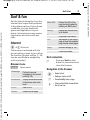
SMS profiles
C ¢M¢Message setup
¢SMS¢SMS profiles
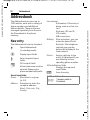
Up to 5 SMS profiles can be set. The
transmission characteristics of an
SMS are defined in these.
Activate profile
I
C
Select profile.
Activate.
Set profile
I
Select profile and open
with §Edit§ to process it.
VAR Language: en; VAR issue date: 040413
SMS