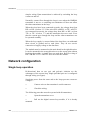
1
CHAPTER 6_______________________________________________________________ CALIBRATION
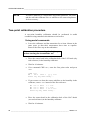
•
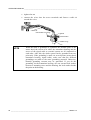
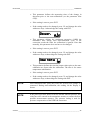
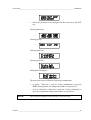
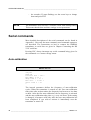
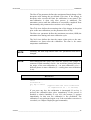
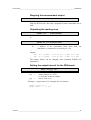
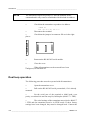
Check that the reading corresponds with the reading of the
reference instrument. If not, adjust the second point.
•
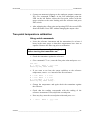
If necessary, adjust with the arrow switches to the correct value
and press ENT. At the second calibration point the second LED
from the left flashes.
Calibration of the analogue outputs
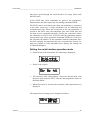
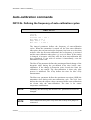
The analogue outputs have been calibrated at the factory and since
they are very stable, calibration of the outputs should be performed
only when there is reason to believe that their adjustments have
changed.
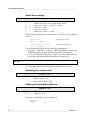
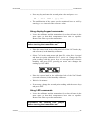
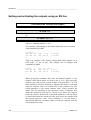
Using serial commands
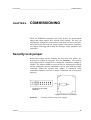
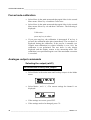
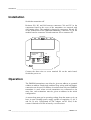
Disconnect the security lock jumper!
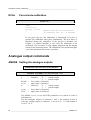
ACAL <cr>
The outputs on channels 1 and 2 are measured and the measured
values (mA or V) entered as calibration coefficients.
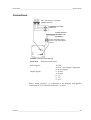
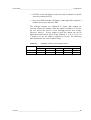
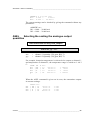
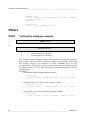
Example: both channels have 0...10 V outputs (set with AMODE
command); enter the voltages measured at the analogue outputs:
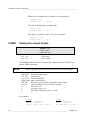
>ACAL <cr>
Ch1 U1 ( V
Ch1 U2 ( V
Ch2 U1 ( V
Ch2 U2 ( V
)
)
)
)
?
?
?
?
0.123 <cr>
9.98 <cr>
0.120 <cr>
9.98 <cr>
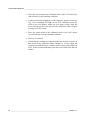
Using display/keypad commands
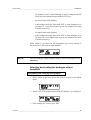
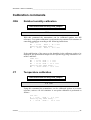
Disconnect the security lock jumper!
•
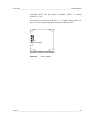
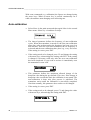
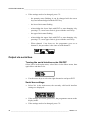
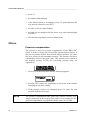
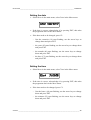
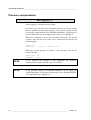
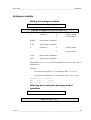
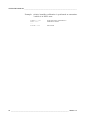
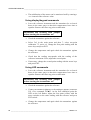
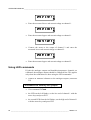
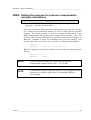
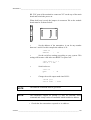
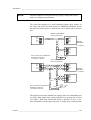
Connect an ammeter/voltmeter to the output of channel 1, select
&DOL in the main menu and $QDORJRXWSXWV in the Cali menu. The
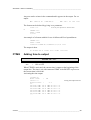
following is displayed (the quantity can be either mA or V):
VAISALA _________________________________________________________________________ 63