1
MENUS AND FUNCTIONS
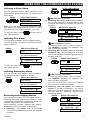
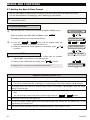
Additional Information (section C.1 – C.3)
1
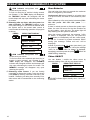
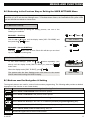
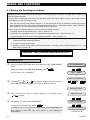
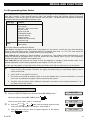
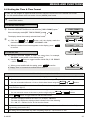
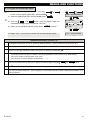
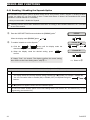
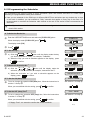
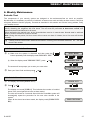
For detailed instructions on how to select the Setting Options – refer to section B.1 and section B.2.
2
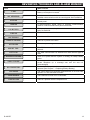
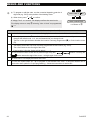
a. The STATUS to the right of the zone number indicates whether the zone is READY, NOT-READY or
BYPASSED.
b. In the example on the right the display reads [Z01: READY] alternating with [Z01: Living Room].
3
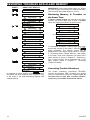
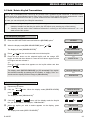
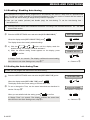
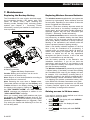
a. If the zone you selected is "not bypassed", the display prompts you to press [<OK> TO BYPASS].
However, if the zone you selected is already "bypassed", the display prompts you to press [<#> TO
CLEAR].
b. To abort and return to step
press
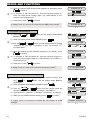
4
| press the
button, the display will read [<OK> TO SKIP], then
I OK
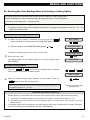
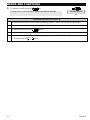
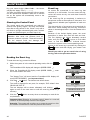
The display now prompts you to press [<OK> TO RECALL] i.e. to repeat the most recent bypass scheme. If
you wish to abort and return to the User Setting menu i.e. step
will read [<OK> TO SKIP], then press
I OK
{ press the
button, the display
.
5
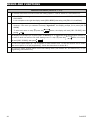
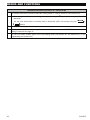
You can now repeat steps | - ~ to bypass or clear another zone. To end this session and to select
other menu options or to quit programming - follow the instructions in section B.3.
6
You can now select another option in the User Setting menu (see section B.1 and section B.2), or quit
programming (see section B.3).
20
D-302757