1
03-2.fm
Page 71 Monday, February 5, 2001
4:33 PM
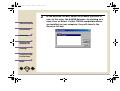
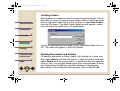
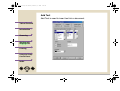
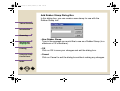
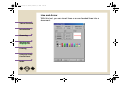
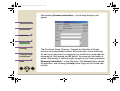
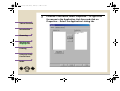
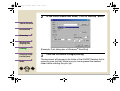
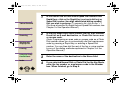
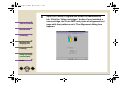
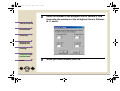
Add Rubber Stamp Dialog Box
In this dialog box, you can create a new stamp for use with the
Rubber Stamp tool.
Table of Contents
Introduction
Scanning
Working with
Imaging Files
• New Rubber Stamp
Type in the message you would like to use as a Rubber Stamp (to a
maximum of 32 characters).
Printing
• OK
Click on OK to save your changes and exit the dialog box.
Using the Sharp
Control Panel
• Cancel
Click on Cancel to exit the dialog box without making any changes.
Index
TOP
71