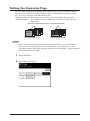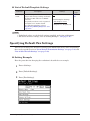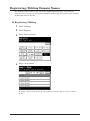
1
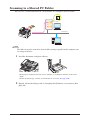
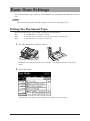
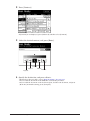
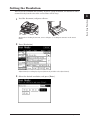
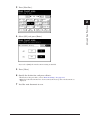
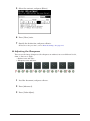
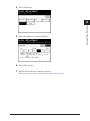
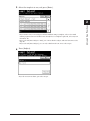
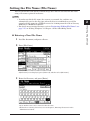
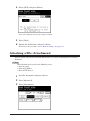
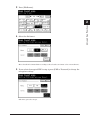
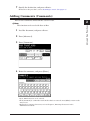
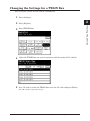
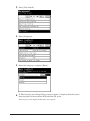
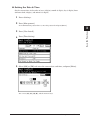
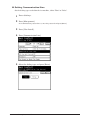
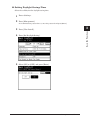
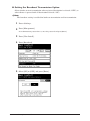
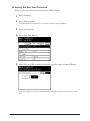
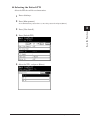
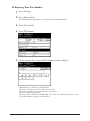
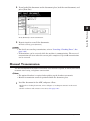
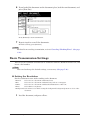
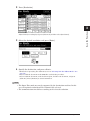
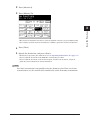
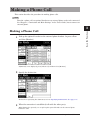
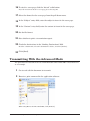
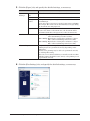
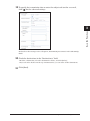
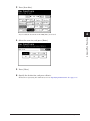
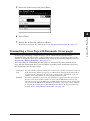
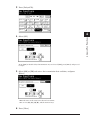
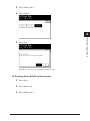
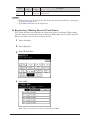
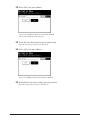
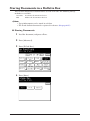
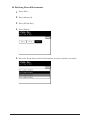
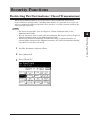
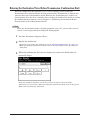
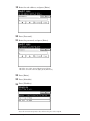
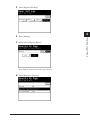
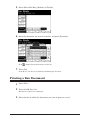
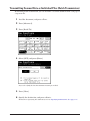
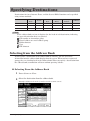
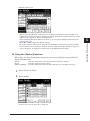
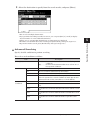
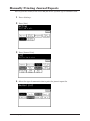
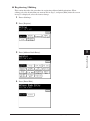
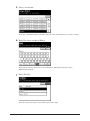
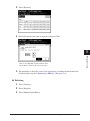
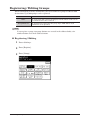
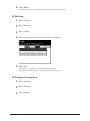
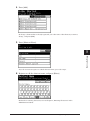
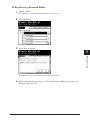
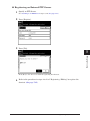
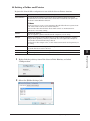
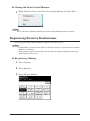
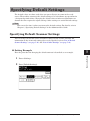
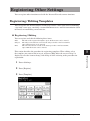
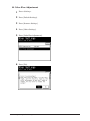
44 Press [Add].
1
2
3
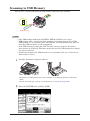
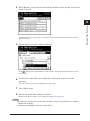
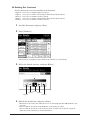
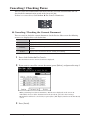
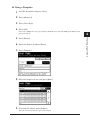
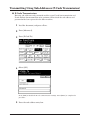
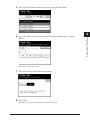
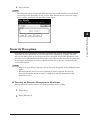
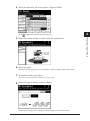
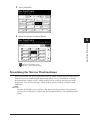
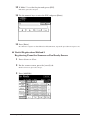
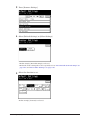
To change a shortcut that is already registered, select the name of the shortcut you want to
change , and press [Edit].
4
5
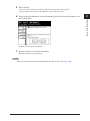
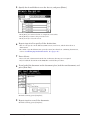
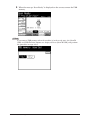
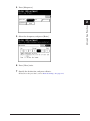
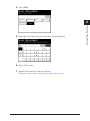
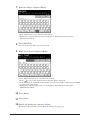
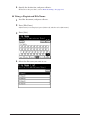
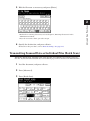
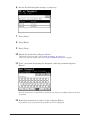
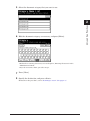
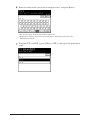
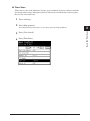
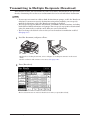
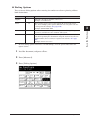
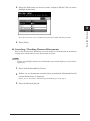
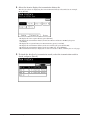
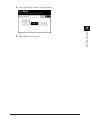
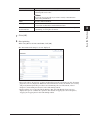
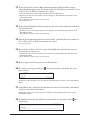
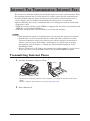
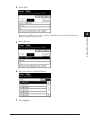
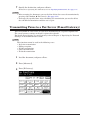
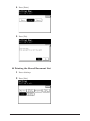
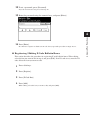
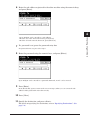
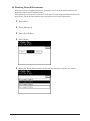
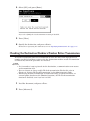
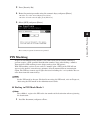
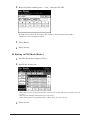
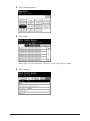
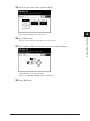
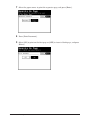
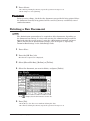
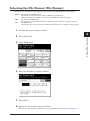
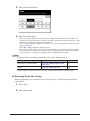
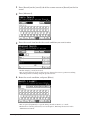
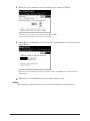
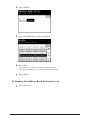
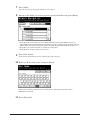
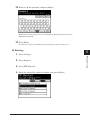
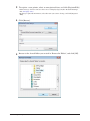
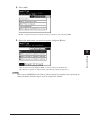
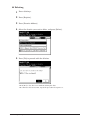
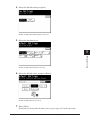
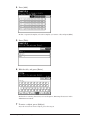
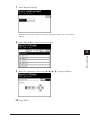
55 Press [Shortcut Name].
6
Device Settings
7
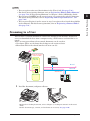
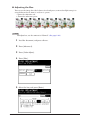
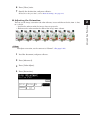
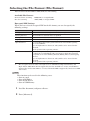
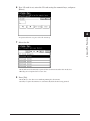
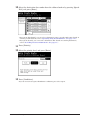
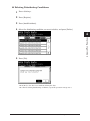
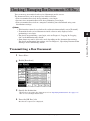
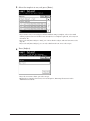
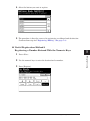
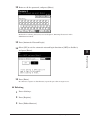
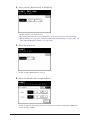
If you do not want to register or edit the shortcut name, proceed to step 7.
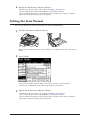
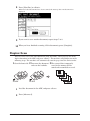
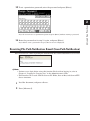
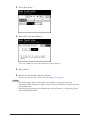
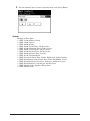
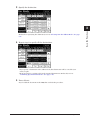
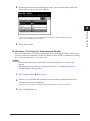
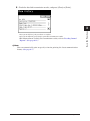
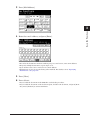
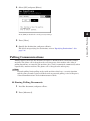
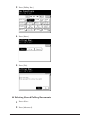
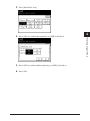
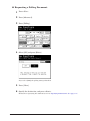
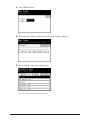
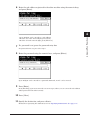
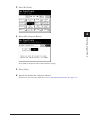
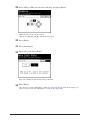
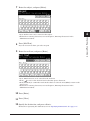
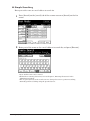
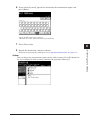
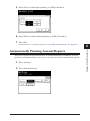
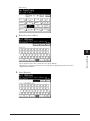
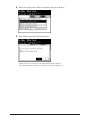
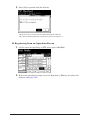
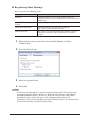
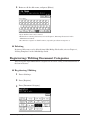
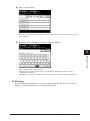
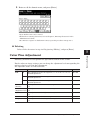
66 Register or edit the shortcut name, and press [Enter].
For details on entering characters, refer to Chapter 1, “Entering Characters” in the
Administrator’s Guide.
Registering Destinations 7-19