1
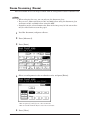
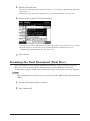
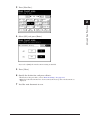
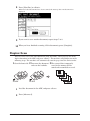
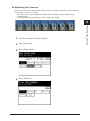
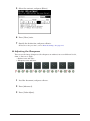
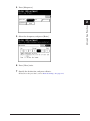
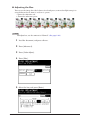
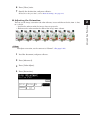
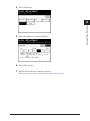
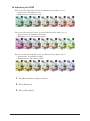
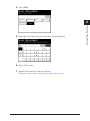
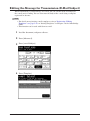
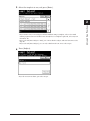
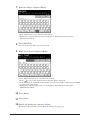
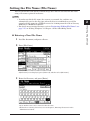
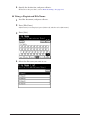
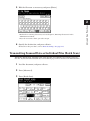
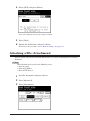
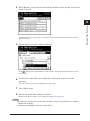
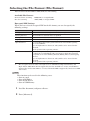
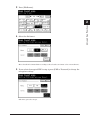
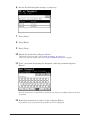
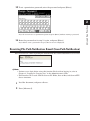
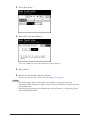
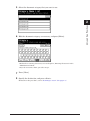
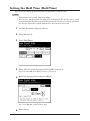
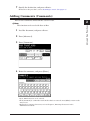
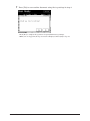
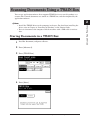
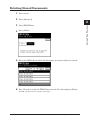
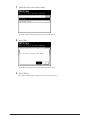
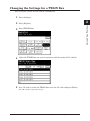
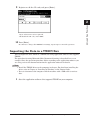
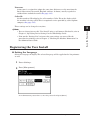
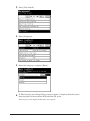
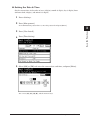
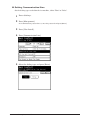
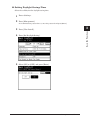
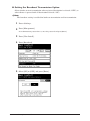
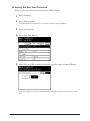
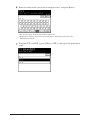
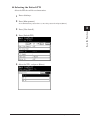
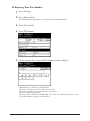
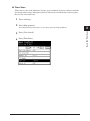
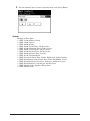
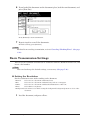
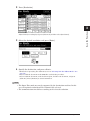
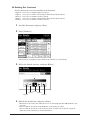
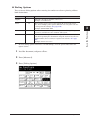
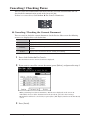
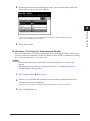
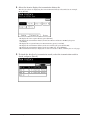
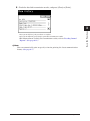
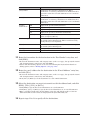
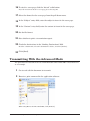
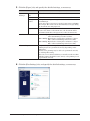
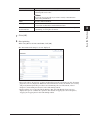
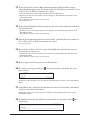
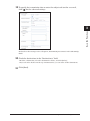
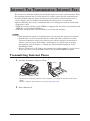
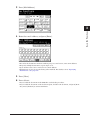
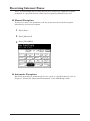
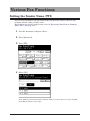
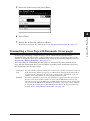
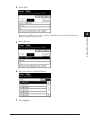
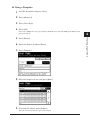
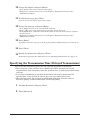
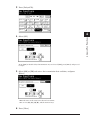
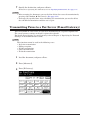
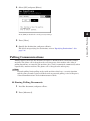
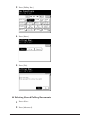
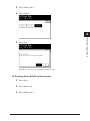
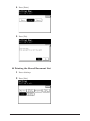
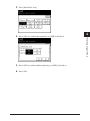
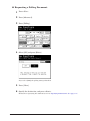
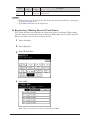
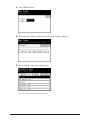
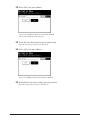
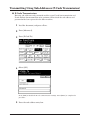
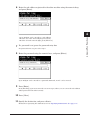
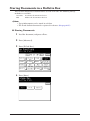
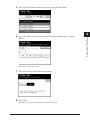
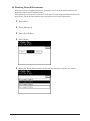
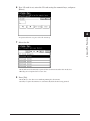
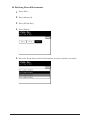
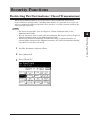
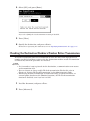
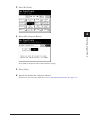
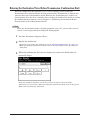
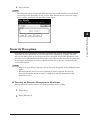
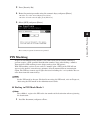
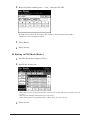
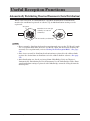
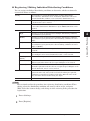
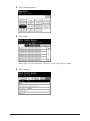
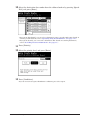
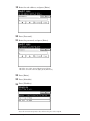
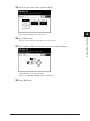
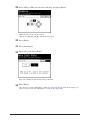
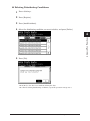
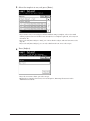
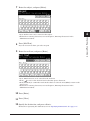
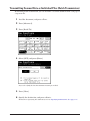
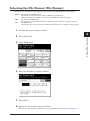
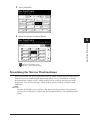
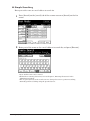
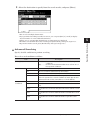
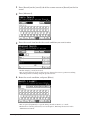
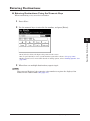
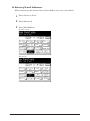
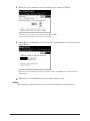
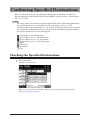
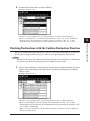
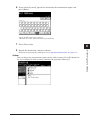
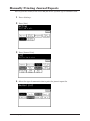
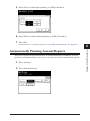
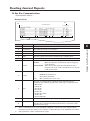
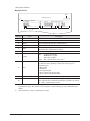
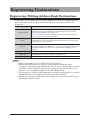
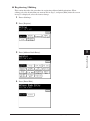
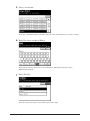
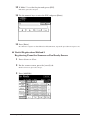
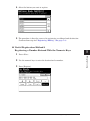
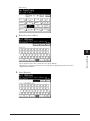
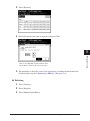
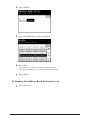
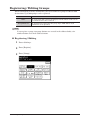
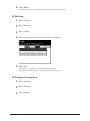
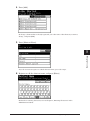
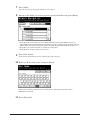
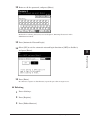
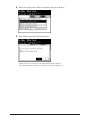
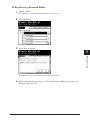
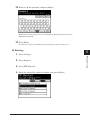
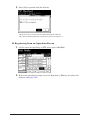
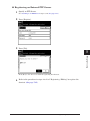
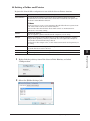
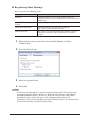
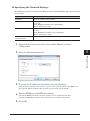
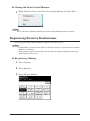
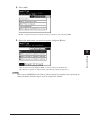
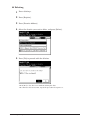
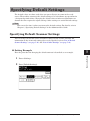
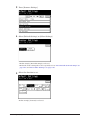
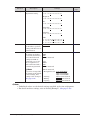
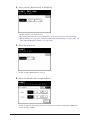
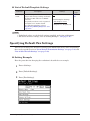
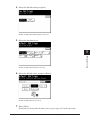
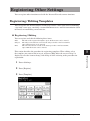
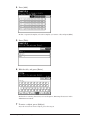
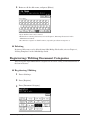
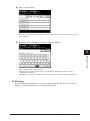
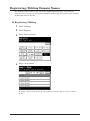
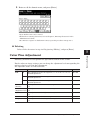
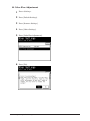
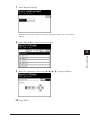
Registering Other Settings You can register other functions used with the Internet Fax and scanner functions. Registering / Editing Templates 2 You can register ten default subjects and messages of the e-mail used when transmitting a fax with a cover page, attaching a scanned document to an e-mail for transmission (Scan to E-mail) or transmitting an internet fax. The title of the registered template. Up to 40 characters can be entered. The subject entered here is used as the subject for the e-mail to transmit. Up to 80 characters can be entered. The text entered here is used as the message for the e-mail to transmit. Up to 1024 characters can be entered. This section describes the procedure for registering templates. When editing, select the template you want to edit in step 4, and press [Edit]. After the screen in step 5 is displayed, select the item to change, and change it while referring to the procedure for registration. 11 Press <Setting>. 22 Press [Register]. 33 Press [Template]. Registering Other Settings 7-51 5 6 7 Device Settings You can register and edit the following three items. Text: 3 4 Registering / Editing Title: Subject: 1